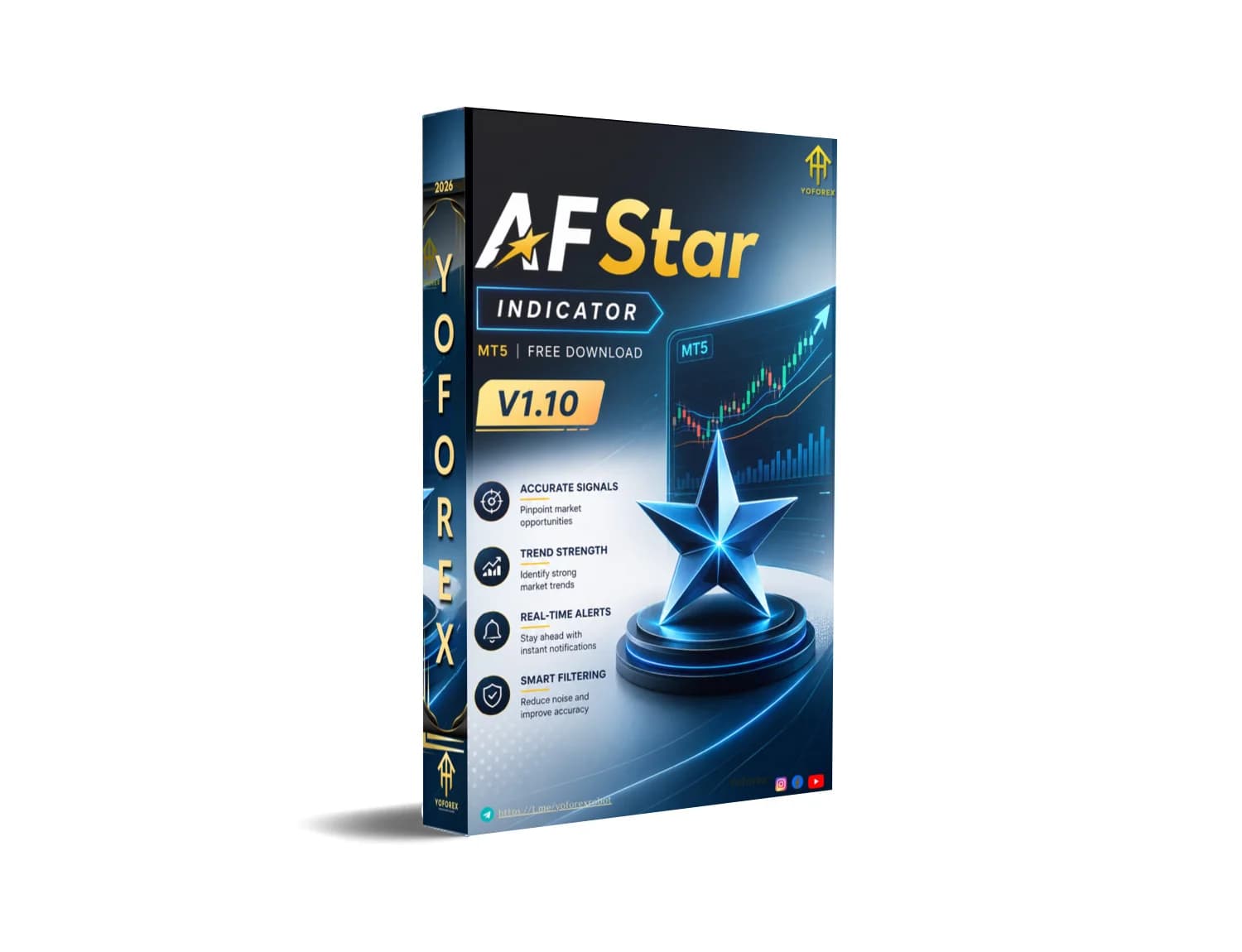
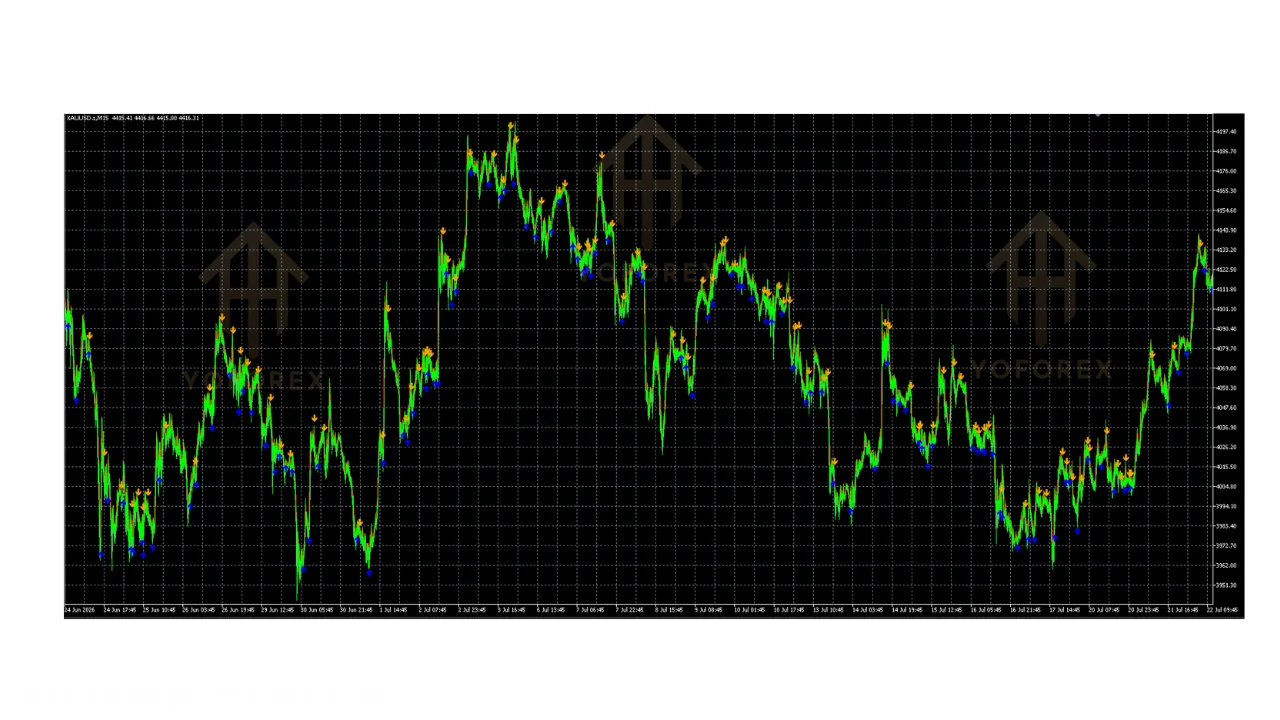
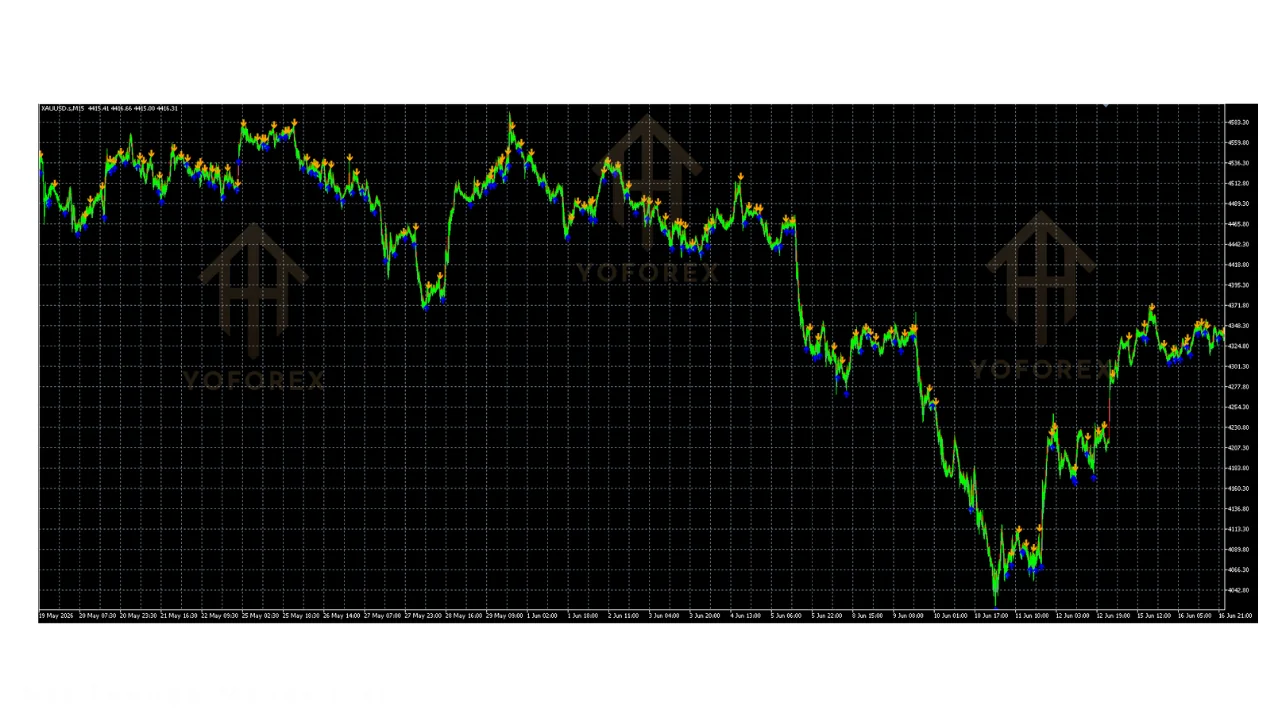
The AFStar INDICATOR V1.10 MT5 is a MetaTrader 5 arrow signal tool using adaptive filters. Blue arrows mark potential buys; yellow or orange mark sells. It is not an Expert Advisor and does not trade for you. Always demo-test first; signals are not guarantees.
AFStar INDICATOR V1.10 MT5 : definition and decision context?
The AFStar INDICATOR V1.10 MT5 is a custom MetaTrader 5 technical indicator often called Adaptive Filter Star. Listings describe it as a semaphore-style arrow tool rather than an automated Expert Advisor that opens or closes positions for you.
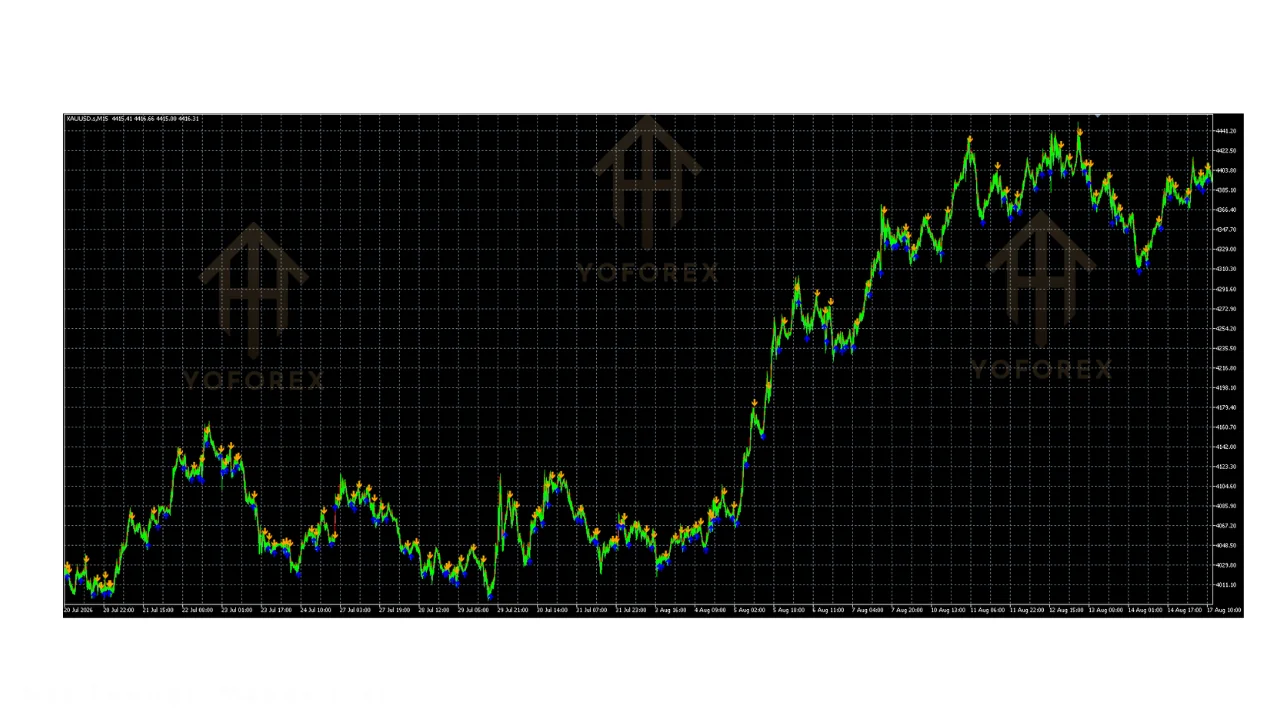
According to a practical overview dated August 2026, the tool aims to filter market conditions and mark potential buy and sell points with visual arrows so traders can focus on decisions instead of constant chart analysis. Blue arrows typically mark potential buys; orange or yellow arrows mark potential sells.
Internally, published descriptions say it combines adaptive filtering with moving-average and Williams-related elements so arrows appear when trend and momentum show reasonable alignment. Price is analyzed through fast and slow filter ranges; when alignment holds, an arrow is plotted. That framing matters for decision context: you still choose entry size, stop placement, and whether to take the signal at all.
Because it is a signal overlay, readers comparing it with full EAs should separate chart markup from order automation. The indicator does not manage risk or execution. A useful next step is to review broader methodology posts on our Blog before installing any third-party .ex5 file. Treat every free listing as unverified until you confirm file integrity and run the tool on a demo chart across quiet and news sessions.
Version V1.10 is presented as a specific release of a longer-standing MQL-community concept. That does not certify quality. Confirm the file hash, build date, and inputs yourself. Keep regulatory framing general for U.S. retail traders: leverage products can produce losses larger than deposits, and educational pages are not personalized advice.
Who should consider a AFStar INDICATOR V1.10 MT5?
Traders who want visual directional cues on MT5 charts and who already apply their own risk rules may consider evaluating this arrow tool. It is not positioned for hands-off automation.
One educational listing states that reduced false signals can support risk management by clarifying entries and exits. That claim is descriptive marketing language from a download page, not an audited performance study. Suitability therefore rests on your process: if you already define stop-loss, take-profit, and maximum daily loss, an adaptive arrow overlay can be one confirmation layer among others.
Descriptions highlight multi-strategy compatibility. Scalpers, intraday traders, and longer-term trend followers are all mentioned as possible users because the adaptive filter recalibrates to volatility. In practice that still means you must validate behavior on your broker’s symbol feed, spreads, and preferred timeframes. Gold or major forex pairs may respond differently to the same inputs.
Who should pause? Anyone seeking guaranteed outcomes, anyone unable to demo-test, and anyone who would click every arrow without confluence. Signal indicators can cluster in choppy markets even when filters are adaptive. Pairing with independent structure analysis, higher-timeframe bias, and a written trade plan remains essential. Browse available tools on our Downloads page only after you set demo risk limits.
Prop-firm or evaluation traders should check whether third-party indicators violate their program rules. Suitability is process-first: if you cannot explain why an arrow appeared and how you will exit if it fails, skip the live account.
Benefits and practical limitations
Published pages frame AFStar as a clearer visual filter that reduces chart clutter compared with stacking many lagging oscillators. A practical look at setup verification stresses checking what the tool is, how it works, who it suits, and what to verify before adding it to a live setup.
Reported benefits center on adaptive trend detection, color-coded arrows, multi-timeframe use, and easier glanceable bias. Listings also claim the adaptive mechanism stays relevant in both trending and ranging conditions by adjusting to volatility. Those statements come from educational download sites and should be treated as vendor-style descriptions until you confirm them in the strategy tester or on a demo chart.
- Clear blue buy and yellow/orange sell arrow markup described across listings.
- Adaptive filtering narrative that recalibrates to volatility rather than fixed averages alone.
- Presented as usable across multiple MT5 instruments and timeframes.
- Does not auto-trade, which keeps final risk decisions with the trader.
- Can sit alongside other confirmations such as structure or momentum checks.
- No independently audited live track record appears in the approved sources.
- Arrow tools can still fire frequently in choppy markets despite filtering claims.
- Free downloads require manual malware and integrity checks before use.
- Not an EA: no position sizing, hedging logic, or automatic exits.
- Descriptive pages may overstate “accuracy” without disclosing spread, slippage, or sample periods.
Limitations matter more than marketing bullets. Without disclosed data period, spread assumptions, or out-of-sample tests in the research pack, you cannot treat promotional language as evidence of edge. Use the MT5 strategy tester for visual replay only when you understand that indicator arrows are not the same as closed-trade statistics. Combine any signal tool with a written plan and hard risk caps. Related reading on timing around events sits in our Forex news checklist.
MT5 EA free download and the reader decision
Free MT5 downloads attract many retail traders, yet the decision should separate convenience from safety and process fit. An arrow indicator is not an Expert Advisor; treating every free file as “set and forget” is a common mistake.
When you evaluate any free MT5 file, start with source reputation, archive integrity, and sandbox installation. Prefer demo charts first. Confirm that the file only adds chart objects and does not request unexpected trading permissions. Document default inputs, then change one variable at a time so you can see how sensitive arrows are to settings.
Reader decision framework: (1) define the job the tool must do—confirmation only versus automated entries; (2) list non-negotiable risk rules before looking at arrows; (3) run the overlay through quiet Asian sessions and high-impact news days; (4) reject tools that encourage martingale, grid averaging, or unbounded recovery if that conflicts with your risk policy; (5) keep a journal of false signals you would have taken. Free does not mean low risk. Compromised files, repainted signals, or overfitted defaults can all appear in unpaid packages.
If your goal is automation, an indicator alone cannot replace order management. If your goal is cleaner discretionary reading, an adaptive arrow layer may be enough—provided you still size positions conservatively. Learn more about how we approach tools on the About page before downloading anything.
Finally, align the download with your broker’s symbol specifications. Different tick sizes and contract values change how useful a visual cue feels in practice. Never deposit more than you can afford to lose while testing.
For the latest pricing, licence terms, or to download , visit yoforex.net — the official YoForex platform where their Expert Advisors and related trading tools are listed.
rvviper EA MT5 and the reader decision
Readers often compare signal indicators with named Expert Advisors when browsing free or paid MT5 libraries. The useful decision is not brand loyalty; it is matching automation level to your risk controls.
An arrow indicator such as AFStar leaves entries, exits, and sizing to you. A full EA can place and manage orders according to coded rules. That difference changes failure modes. Indicator risk is mostly interpretive—you might overtrade noisy arrows. EA risk includes coding errors, VPS outages, unexpected news spikes, and any recovery logic embedded in the robot. Grid or martingale styles can accelerate drawdowns even when early trades look calm.
Decision checklist when weighing an indicator against any EA label you encounter: clarify whether trades are discretionary or automated; require a written max drawdown stop; insist on demo or forward-test evidence you can reproduce; reject opaque “set files” that hide lot multipliers; and confirm the product scope matches XAUUSD or forex pairs you actually trade. Do not assume one free listing’s marketing language transfers to another product.
If you need discretionary confirmation only, stay with carefully tested indicators and your own plan. If you want automation, demand transparent logic, independent verification where possible, and hard kills for losing streaks. Our Trading signals area is a separate lane from indicators—treat each channel with its own validation steps. Contact the editorial team via Contact if you need clarification on how we review tools, remembering that no page replaces your own due diligence.
Conclusion
The AFStar INDICATOR V1.10 MT5 is presented across educational listings as an adaptive MetaTrader 5 arrow tool that marks potential buys and sells without executing trades. That limited scope is useful for discretionary traders who already control risk, and insufficient for anyone seeking automated management.
Supported takeaways stay modest: blue and yellow/orange arrows, adaptive filtering narratives, and guidance to verify suitability before live use. Unsupported leaps—assumed win rates, guaranteed noise reduction, or live audited profits—do not appear in the approved evidence and must not be inferred.
Next step: install only on a demo account, document inputs, compare arrows against your own structure rules, and keep position size small if you ever move to a live chart. Review risk language carefully, avoid recovery systems you do not fully understand, and treat every free download as untrusted until proven. Use the site’s educational posts to strengthen process, not to chase outcomes.
Support & Disclaimer
Support
If you need help installing or configuring your EA, or face any kind of bug, feel free to reach out on:
WhatsApp: Click here
Telegram Group: Join our community
Disclaimer:
Forex and gold trading involve risk. Past performance doesn’t guarantee future results. Always test robots on demo before live trading and use proper risk management.
REFERRAL
Join the VIP Signals Telegram Channel for real-time expert trading signals and stay ahead in the forex market. Get personalized strategies by becoming a part of our Real Account Management Telegram Channel and optimize your trading experience. If you’re aiming to Pass PropFirm Challenges , join our dedicated channel for tips and proven methods. Start managing your capital effectively with expert advice from our Funded Account Management Telegram Channel. For advanced traders, our HFT EA / Passing Telegram Channel offers high-frequency trading insights and strategies to boost your performance.
Sources
- AFStar Indicator V1.10 MT5 - FREE DOWNLOAD — yoforex.org
- AFStar Indicator V1.10 MT5 - PRICE — yoforex.net
- AFStar Indicator V1.10 MT5 - REVIEW — Yoforexea