Introduction
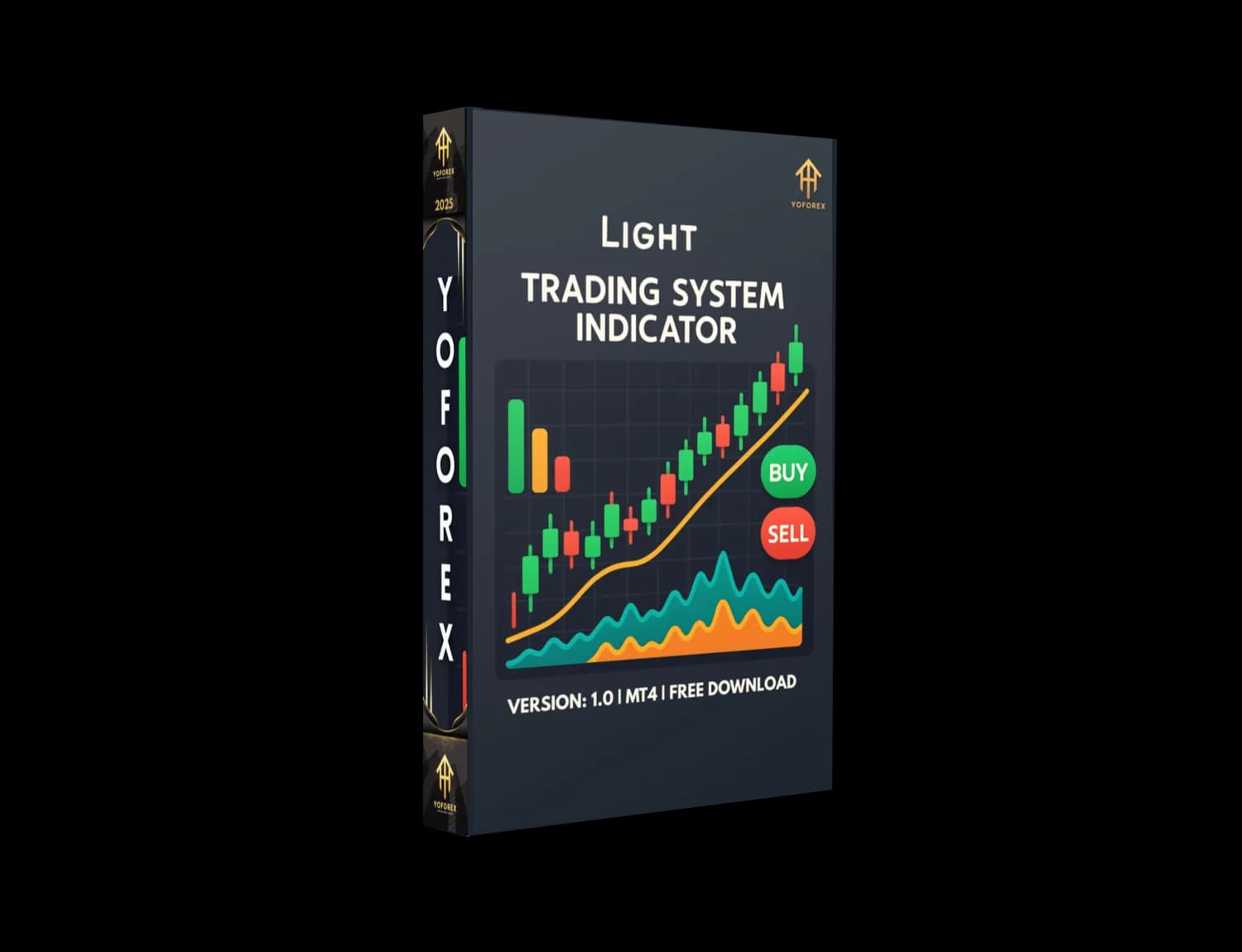
Tired of complicated charts and noisy indicators that leave you second-guessing every move? The Light Trading System Indicator V1.0 for MetaTrader 4 strips away the clutter and gives you crystal-clear buy/sell signals, trend direction, and key support/resistance levels. Designed for traders who value simplicity over complexity, this indicator blends moving averages, momentum analysis, and price-action logic into one cohesive tool. Whether you’re scalping on M30 or swing trading on H4, you’ll appreciate the streamlined approach that helps you focus on what matters most—high-probability setups and disciplined execution.
Why Choose the Light Trading System Indicator?
• Simplicity First: No more juggling multiple indicators—just one easy-to-read display.
• Versatile Application: Works across all major currency pairs and preferred timeframes.
• Clear Signals: Color-coded arrows for entries and exits, plus dynamic support/resistance zones.
• Lightweight Design: Optimized for minimal CPU usage so your platform never lags.
Key Features
- Dual Moving Averages: A fast and a slow MA highlight trend direction and potential crosses.
- Momentum Filter: Ensures signals fire only when momentum confirms the trend.
- Price-Action Confirmation: Checks recent swing highs/lows to validate breakouts.
- Auto-Drawn Levels: Dynamic support and resistance zones adjust with market swings.
- Custom Alerts: Pop-ups, email, and push notifications when a new signal appears.
- Multi-Timeframe Compatibility: Pre-configured for M30, H1, H4—adaptable to any chart.
- Minimal False Signals: Built-in filter to reduce whipsaws in choppy markets.
- Friendly Interface: On/off toggles for each component so you can tweak to your taste.
How to Install and Configure
- Download the
Light_Trading_System_Indicator.ex4from your vendor’s folder. - Copy the file into
\\MetaTrader4\\MQL4\\Indicators. - Restart MT4 so the indicator appears under “Custom Indicators.”
- Attach to your preferred chart (e.g., EURUSD H1).
- Open the “Inputs” tab and adjust:
FastMA_Period(default: 10)SlowMA_Period(default: 30)Momentum_Threshold(default: 100)
- Enable alerts by setting
AlertPopup = trueand/or entering your email for notifications. - Save your template for quick re-loads across other pairs or timeframes.
Recommended Settings
- Scalping (M30): FastMA = 8, SlowMA = 21, Momentum = 120
- Day Trading (H1): FastMA = 10, SlowMA = 30, Momentum = 100
- Swing Trading (H4): FastMA = 15, SlowMA = 50, Momentum = 80
- Risk Management: Place stop-loss just beyond the nearest support/resistance level and target at least 1.5× your risk.
Support & Disclaimer
If you hit any unknown bug or need help customizing inputs, ping us on WhatsApp or join our Telegram group below. We’re here 24/7 to troubleshoot or suggest tweaks.
WhatsApp Support: https://wa.me/+443300272265
Telegram Group: https://t.me/yoforexrobot
Call to Action
Ready to trade with clarity and confidence? Download your free Light Trading System Indicator V1.0 for MT4 now and start spotting high-probability trades—no fluff, no noise.
Join our Telegram for the latest updates and support