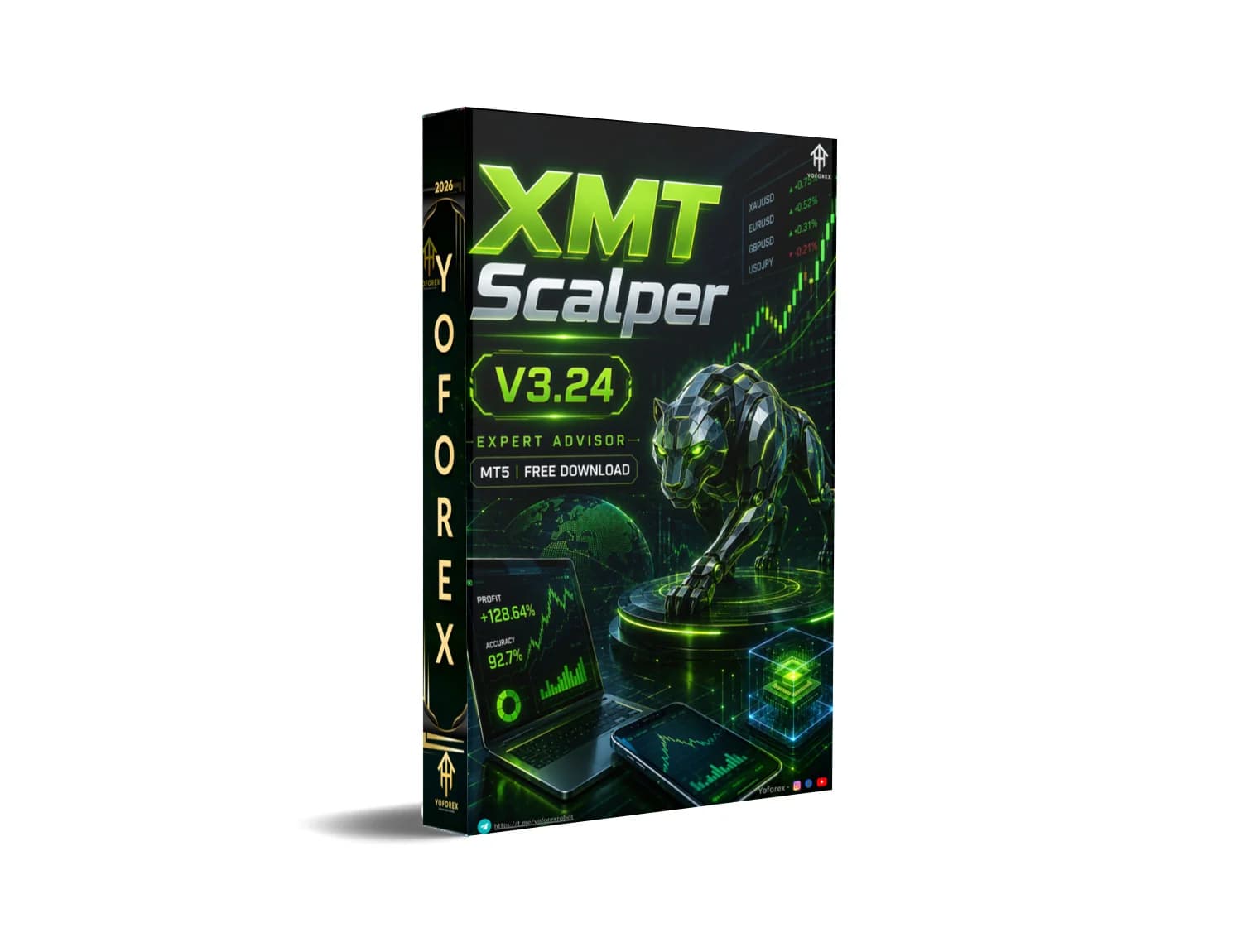
XMT Scalper EA V3.24 MT5: A Practical Look at This Tick-Based Scalping Robot
Manual scalping on the lower timeframes demands constant attention, fast reactions, and a broker that delivers tight spreads with minimal slippage. Many traders simply cannot stay glued to the screen all day, yet they still want exposure to short-term price moves. That is the problem an automated tick scalper tries to solve.
XMT Scalper EA V3.24 MT5 is a MetaTrader 5 version of a long-standing scalping Expert Advisor. It aims to capture small breakouts using pending orders while applying volatility filters and basic risk controls. Available through Yoforex EA, it targets traders who prefer rule-based automation over discretionary decisions.
What Is XMT Scalper EA V3.24 MT5?
XMT Scalper EA is an Expert Advisor designed for MetaTrader 5. It automates a tick-based scalping approach that places pending buy-stop or sell-stop orders when price breaks out of a short-term channel.
The core idea comes from earlier open-source and community versions of the same strategy (originally developed for MT4). Version 3.24 is the MT5 release. The EA monitors price action on a tick basis, calculates a channel using one of several standard indicators, and reacts when volatility and breakout conditions are met. It is not a grid, martingale, or recovery system; it focuses on single-order scalping entries.
How Does XMT Scalper EA Work?
The EA runs continuously once attached to a chart. Calculations are performed on a tick basis, so the chart timeframe you attach it to is less critical than the internal logic (historically oriented around M1 data).
In simple terms the process looks like this:
- The EA builds a short-term channel using Moving Averages, Bollinger Bands, or Envelopes (user-selectable).
- It measures current volatility relative to recent price movement.
- When price breaks the channel by a defined percentage of the channel width and other filters pass (spread, execution time, etc.), it places a pending buy-stop or sell-stop order.
- Once the pending order is filled, the EA manages the position with take-profit, stop-loss, and optional trailing logic.
- Virtual stops and virtual pending orders can be enabled so the actual levels are not visible to the broker until needed.
Only one order is typically managed at a time. The EA also includes money-management options (fixed lot or risk-based) and filters for maximum spread and maximum execution delay. Because it is a pure scalper, performance depends heavily on broker conditions—tight spreads, low stop levels, and reliable execution matter more than almost any other setting.
Key Features
- Tick-based breakout detection using MA, Bollinger Bands, or Envelopes channels
- Pending buy-stop / sell-stop order placement
- Configurable take-profit and stop-loss
- Optional trailing start
- Virtual pending orders and virtual stops
- Spread filter and execution-time filter
- Money management (fixed lot or percentage risk)
- ECN mode support
- Debug and verbose logging options
- Magic number for multi-EA compatibility
Quick Features Table
| Feature | Details |
|---|---|
| Platform | MetaTrader 5 |
| Strategy | Tick-based channel breakout scalping |
| Trading Style | Scalping |
| Pairs | Best on low-spread, liquid pairs (historically EURUSD) |
| Timeframe | Internal logic uses short-period data (M1-oriented) |
| Risk Management | SL/TP, trailing, virtual stops, lot/risk sizing |
| Automation | Fully automated once configured |
| Best For | Traders with low-spread ECN/STP brokers who want automated short-term entries |
Removes the need for constant screen watching. Once settings are dialed in and the EA is running on a stable connection (ideally a VPS), it can place and manage scalping trades without your constant presence.
Rule-based entries. The breakout logic is transparent and based on standard indicators plus volatility filters. You can review the conditions rather than relying on a black-box “AI” claim.
Configurable risk parameters. Lot size, stop-loss, take-profit, and spread filters can be adjusted to match your account size and risk tolerance.
Broker-aware design. Features such as ECN mode, virtual stops, and execution filters show awareness of real-world trading conditions that pure backtest results often ignore.
These are practical advantages for traders who understand that scalping is sensitive to costs and latency. They are not guarantees of profit.
Who Is XMT Scalper EA For?
- Traders who already understand scalping and want to automate a breakout approach
- Users of MetaTrader 5 who have (or can open) an ECN/STP account with consistently low spreads
- Intermediate traders comfortable with backtesting, forward testing on demo, and adjusting parameters
- Busy traders who prefer rule-based automation over discretionary chart watching
- Algorithmic traders who want a transparent, indicator-based scalper rather than a complex multi-strategy system
Who Should Avoid It?
- Absolute beginners who have never traded manually or do not yet understand spread, slippage, and stop levels
- Traders whose brokers have wide spreads, high commissions, or restrictions on scalping / pending orders
- Anyone expecting “set and forget” passive income without monitoring or optimization
- Accounts that cannot tolerate the higher relative risk of short-term, higher-frequency trading
- Traders looking for trend-following, swing, or multi-day holding systems
XMT Scalper EA vs Manual Trading
| Aspect | XMT Scalper EA | Manual Scalping |
|---|---|---|
| Speed of reaction | Instant on tick | Limited by human reaction time |
| Emotional control | Rules-based | Prone to hesitation or overtrading |
| Screen time | Minimal once running | Continuous monitoring required |
| Customization | Parameters can be optimized | Fully discretionary |
| Broker dependency | High (spread & execution critical) | High, but trader can choose when to trade |
| Learning curve | Understanding settings & testing | Developing price-action skill |
What To Check Before Buying
- Strategy fit – Confirm you are comfortable with short-term breakout scalping and single-order logic.
- Risk parameters – Review default stop-loss, take-profit, and money-management options. Adjust to a level you can accept.
- Drawdown expectations – Scalping systems can experience sequences of small losses; understand this before live trading.
- MT5 compatibility – Verify the file is the correct .ex5 for your build of MetaTrader 5.
- Broker compatibility – Test on a demo account with your intended broker. Spreads, stop levels, and requote frequency matter.
- VPS requirement – For reliable 24-hour operation a low-latency VPS is strongly recommended.
- Settings & optimization – Default settings are rarely optimal. Plan time for backtesting with realistic tick data and forward testing.
- Support – Check what documentation and support Yoforex EA provides after purchase.
- Testing plan – Never go live without extended demo or small live testing under real market conditions.
How To Get Started
- Obtain the XMT Scalper EA V3.24 MT5 file from Yoforex EA.
- Place the .ex5 file in your MetaTrader 5 Experts folder and restart the terminal.
- Open a chart of a liquid, low-spread pair (EURUSD is the historical preference).
- Attach the EA and review all input parameters—especially MaxSpread, TakeProfit, StopLoss, risk settings, and indicator choice.
- Run thorough backtests using high-quality tick data that includes realistic spread and commission.
- Move to a demo account with the same broker you plan to use live. Monitor for several weeks.
- Only after satisfactory demo results consider a small live account with conservative risk.
- Keep a VPS running if you want continuous operation.
FAQs
Is XMT Scalper EA V3.24 only for EURUSD?
It can be attached to other pairs, but historically it performs best on liquid pairs with tight spreads. Always test.
Does it use martingale or grid?
No. It is a single-order breakout scalper.
What timeframe should I use? The EA calculates on a tick basis with short-period indicators. Attachment timeframe is secondary, but many users work with M1-oriented logic.
Do I need a VPS?
Highly recommended for consistent execution and to avoid missed ticks when your computer is offline.
Can beginners use it?
Only if they are willing to learn the settings, test thoroughly, and accept that scalping carries specific risks. It is not a “plug and play” beginner system.
How important is the broker?
Critical. Wide spreads or frequent requotes will degrade results quickly.
Are there guaranteed results?
No. Past backtests or demo results do not predict future performance. Markets change and costs matter.
Where can I get support?
Check the documentation and support channels provided by Yoforex EA after purchase.
CONCLUSION
XMT Scalper EA V3.24 MT5 is a straightforward tick-based breakout scalper that automates a classic short-term strategy. It solves the practical problem of needing constant attention for scalping, provided you have the right broker conditions and are willing to test and configure it properly.
It is not magic. It is a tool. Like any tool, results depend on how you use it, the environment you place it in, and the risk limits you set.
If the description matches the style of trading you want to automate, the logical next step is to review the full product details, available documentation, and current offering on the Yoforex EA site. Test carefully before risking real capital.
Visit Yoforex EA to view XMT Scalper EA V3.24 MT5 and decide whether it fits your trading plan.
REFERRAL
Join the VIP Signals Telegram Channel for real-time expert trading signals and stay ahead in the forex market. Get personalized strategies by becoming a part of our Real Account Management Telegram Channel and optimize your trading experience. If you’re aiming to Pass PropFirm Challenges , join our dedicated channel for tips and proven methods. Start managing your capital effectively with expert advice from our Funded Account Management Telegram Channel. For advanced traders, our HFT EA / Passing Telegram Channel offers high-frequency trading insights and strategies to boost your performance.