
When it comes to forex trading, technical indicators play a crucial role in providing valuable insights into market movements. Among the most reliable and widely used indicators is the Relative Strength Index (RSI). But what if you could enhance the traditional RSI tool to generate even more accurate buy and sell signals? That’s where the RSI Crossover Indicator for MT4 comes in.
In this comprehensive guide, we’ll explore everything you need to know about the RSI Crossover Indicator for MetaTrader 4. From its features and advantages to installation and trading strategies, this article will equip you with the knowledge needed to make more informed trading decisions.
What Is the RSI Crossover Indicator?
The RSI Crossover Indicator is a modified version of the classic RSI that focuses on the crossing of two RSI lines. Typically, this involves a fast RSI and a slow RSI. The indicator generates trading signals when the fast RSI crosses above or below the slow RSI, indicating potential market reversals or trend continuation opportunities.
This approach provides a more dynamic and responsive analysis than the traditional single-line RSI. It’s especially helpful for short-term traders who rely on precise entry and exit signals.
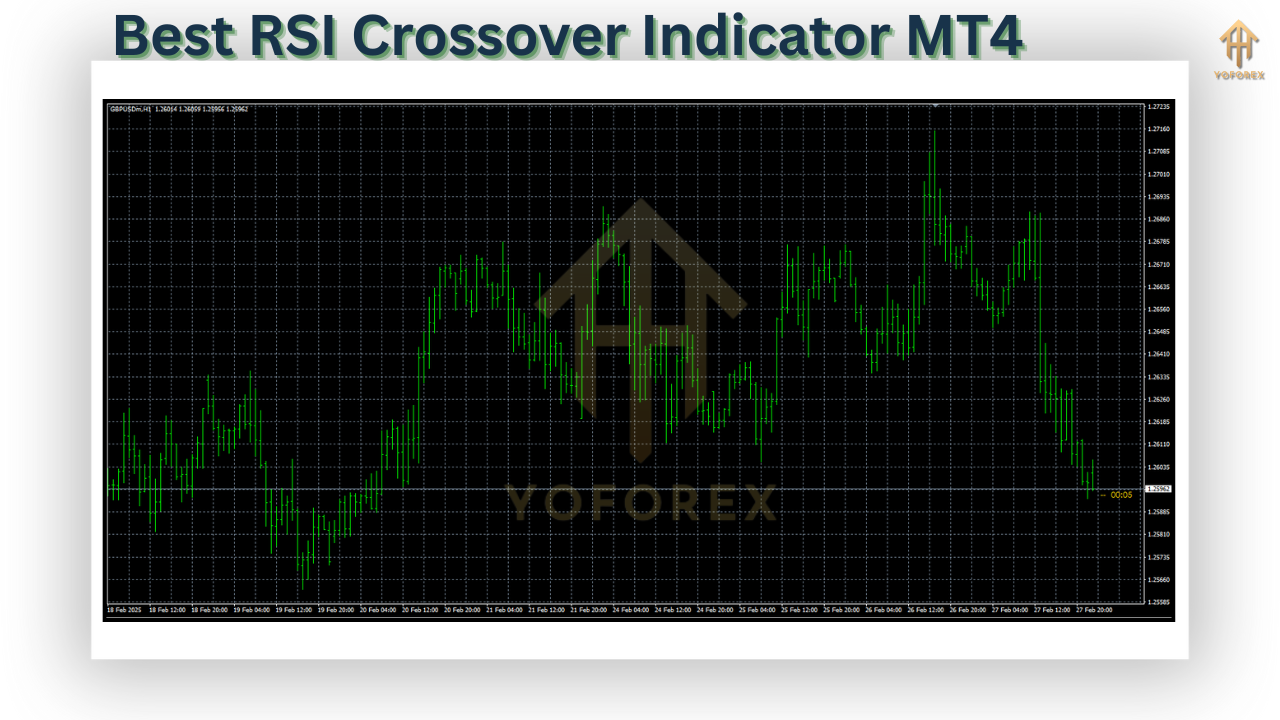
Why Use the RSI Crossover Indicator?
There are several compelling reasons why forex traders choose the RSI Crossover Indicator:
- Enhanced Signal Accuracy:
By using two RSI lines, traders can avoid many false signals common with a single RSI. The crossover approach adds an extra layer of confirmation. - Early Detection of Trends:
This indicator allows traders to catch trends earlier than with conventional indicators. The crossing of the fast and slow RSI can serve as an early warning system for new price movements. - Versatile Trading Tool:
It works across multiple timeframes and currency pairs, making it ideal for scalping, day trading, or swing trading strategies. - Visual Clarity:
The indicator is visually straightforward, with clearly marked crossovers, making it beginner-friendly and effective for quick decision-making.
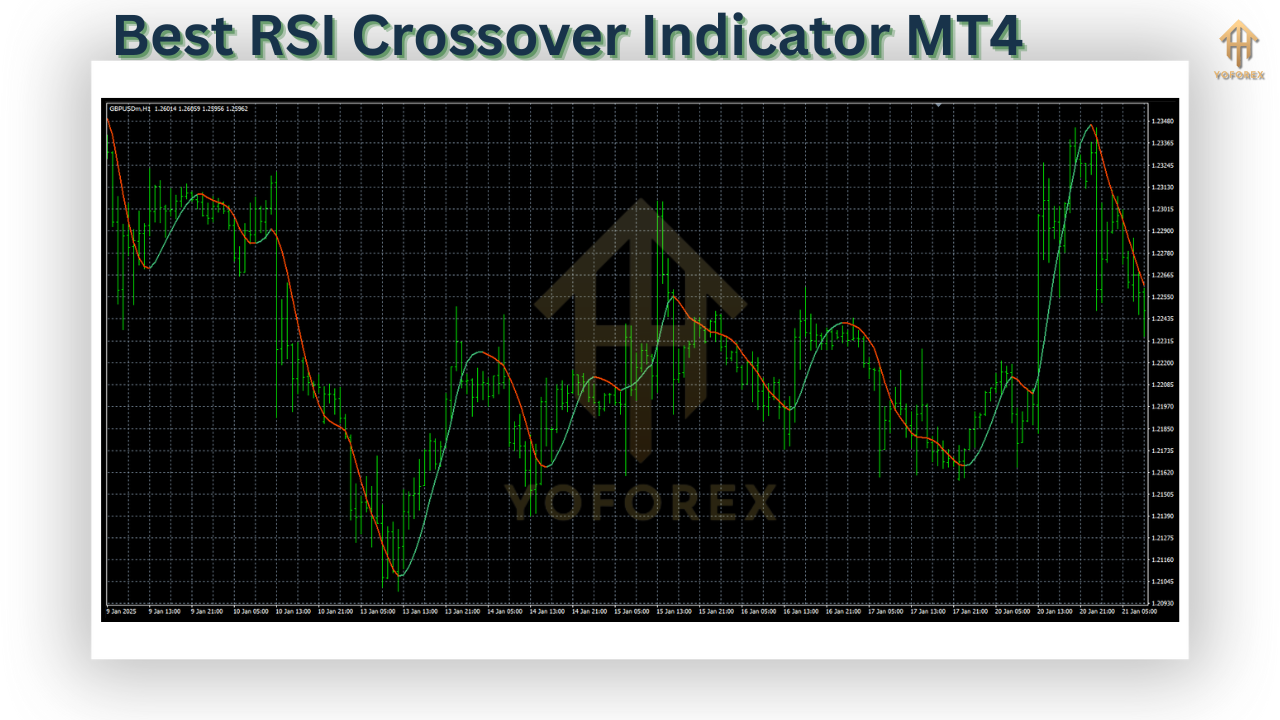
How Does the RSI Crossover Indicator Work?
The indicator plots two RSI lines:
- Fast RSI: A shorter-period RSI (e.g., 5 or 7) that reacts quickly to price changes.
- Slow RSI: A longer-period RSI (e.g., 14 or 21) that smoothens out volatility.
Here’s how signals are generated:
- Buy Signal: When the fast RSI crosses above the slow RSI, it's a bullish sign indicating potential upward momentum.
- Sell Signal: When the fast RSI crosses below the slow RSI, it's a bearish sign suggesting potential downward movement.
Traders often use these signals in conjunction with other indicators like moving averages, MACD, or support/resistance zones for confirmation.
Benefits of the RSI Crossover Indicator MT4
1. Improved Entry and Exit Points
Crossover points often act as early signals for price changes, enabling traders to enter or exit trades at more opportune moments.
2. Reduction in False Signals
Unlike the classic RSI, the dual-line format reduces noise and increases reliability, especially in volatile markets.
3. Customizable Settings
Most versions of the RSI Crossover Indicator allow users to set their own RSI periods, levels, and alert preferences, giving them full control over the strategy.
4. Alerts and Notifications
Some versions include built-in alert systems that notify traders when a crossover occurs—ideal for active traders who want to stay updated without constantly monitoring charts.
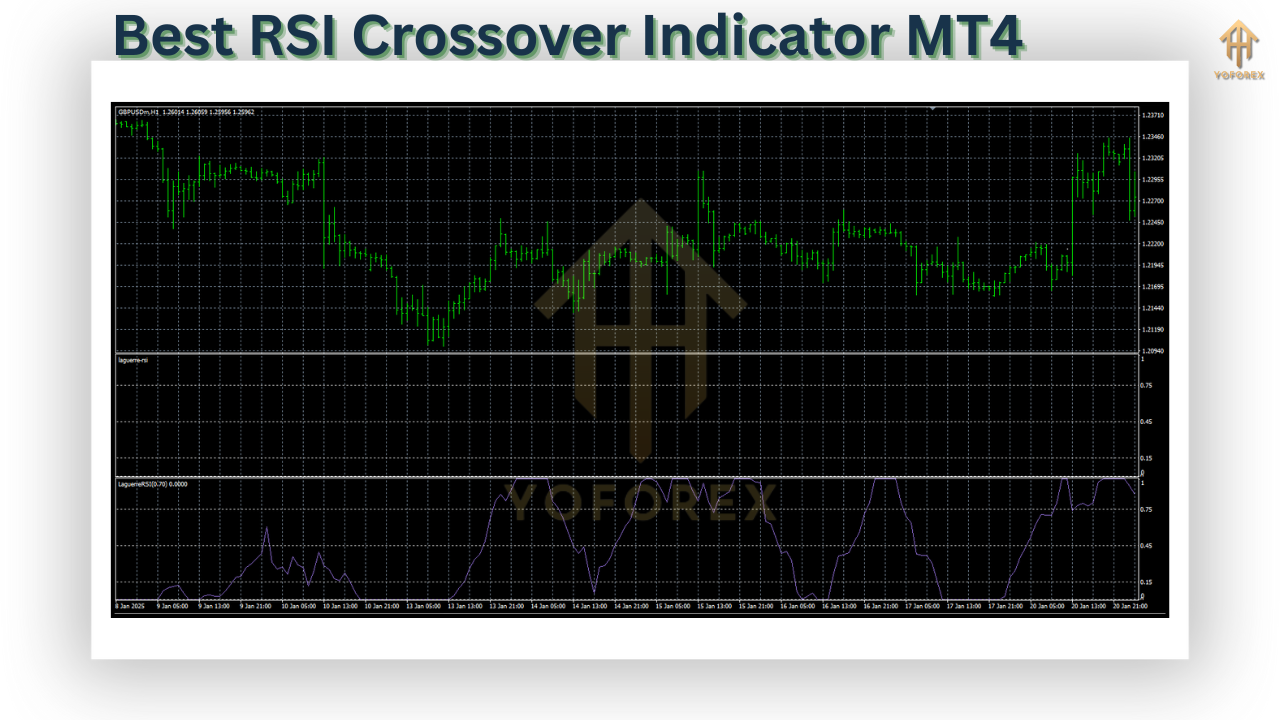
How to Install RSI Crossover Indicator on MT4
Installing the RSI Crossover Indicator on MetaTrader 4 is easy. Follow these steps:
- Download the Indicator File (.ex4 or .mq4 format) from a reputable source.
- Open MT4 and go to
File > Open Data Folder. - Navigate to
MQL4 > Indicatorsand paste the indicator file. - Restart the MetaTrader 4 platform.
- Go to
Navigator > Indicators, find the RSI Crossover Indicator, and drag it onto your chart.
You can then customize the RSI periods, color schemes, and alert options according to your trading preferences.
Best Trading Strategies Using RSI Crossover Indicator
1. Trend Reversal Strategy
Use the crossover to detect when a currency pair is about to reverse its direction. Combine this with support/resistance zones to increase your accuracy.
2. Trend Continuation Strategy
Identify when the fast RSI crosses in the direction of the trend, signaling a good opportunity to enter on a pullback.
3. Scalping Strategy
On lower timeframes like 1-minute or 5-minute charts, quick RSI crossovers can be used for scalping small pip gains with tight stop-loss levels.
4. Multi-Timeframe Analysis
Check for RSI crossover confirmation on higher timeframes before entering trades on lower timeframes. This helps filter out low-quality signals.
Tips to Maximize Performance
- Combine with Volume Indicators: Crossover signals supported by high volume tend to be more reliable.
- Use Stop-Loss Orders: Always protect your trades with appropriate stop-loss levels to manage risk.
- Avoid Overtrading: Stick to quality setups and avoid trading every crossover blindly.
- Backtest Your Strategy: Use historical data to test the effectiveness of your RSI crossover strategy before trading live.
Final Thoughts
The RSI Crossover Indicator for MT4 is a powerful tool for both beginner and advanced forex traders. Its ability to filter out noise and provide early trading signals makes it a valuable addition to any trading toolkit. Whether you're trading major currency pairs or exotic ones, this indicator can enhance your market analysis and trading decisions.
However, like all technical tools, it’s essential to use the RSI Crossover Indicator alongside proper risk management and other forms of analysis. With a disciplined approach, this indicator can be a game-changer for your trading journey.
⚡️Upgrade:
For traders looking to further enhance their strategies, premium versions of the RSI Crossover Indicator may offer features such as real-time alerts, multi-timeframe support, and integration with expert advisors (EAs). Always explore trusted platforms or marketplaces for advanced tools.
Happy Trading!


Comments
No comments yet. Be the first to comment!
Leave a Comment