
FX Dzire Robot EA V1.0 MT4 — Adaptive Any-Pair, Any-Timeframe Trading
If you’ve been hunting for a clean, no-nonsense MT4 Expert Advisor that doesn’t lock you into one magic pair or a single timeframe, meet FX Dzire Robot EA V1.0. It’s built to run on any pair and any timeframe, making it a flexible option whether you’re scalping the M1, swing-trading H1/H4, or just testing new symbols on weekends. The idea behind FX Dzire is simple: remove the emotional bias, react to live market conditions, and let the EA handle the repetitive work with rules you control.
Below is a full, practical walkthrough—what it does, how to install it, how to tune it, and a few best-practice tips I’ve picked up while evaluating similar “run-anywhere” EAs. Read this first before you go live (coz discipline beats hype, always).
Why FX Dzire Stands Out
Most EAs are picky: one pair, one TF, one broker, tons of conditions. FX Dzire Robot EA goes the other way—versatility first. It’s designed with adaptive logic that can respond to momentum bursts, low-volatility ranges, and session transitions. That doesn’t mean you should run it blindly on 28 pairs at once… it means you’ve got room to experiment without rewriting your playbook every time the market shifts.
Quick Highlights
- Platform: MetaTrader 4 (MT4)
- Pairs: Any (majors, minors, gold, indices CFDs—broker permitting)
- Timeframes: Any (M1 to D1)
- Style: Adaptive rules with configurable risk; trend & volatility awareness
- Goal: Consistency through rules, not luck
- Who it’s for: Beginners who want automation and veterans who love optimization
How the Strategy Works (Plain English)
While the exact internals will vary by settings, FX Dzire typically blends:
- Trend filters to avoid trading into obvious counter-moves.
- Volatility checks so it doesn’t treat a sleepy Asian session like a London breakout.
- Session-aware logic (when enabled) to keep activity aligned with liquidity.
- Protective exits using stop loss, trailing options, and break-even triggers.
- Position sizing controls to control risk per trade or dynamic based on equity.
Think of it like a “framework EA.” It’s not a black box that decides everything for you; rather, it’s a rule engine that you can dial toward scalps (lower TP/SL, tighter filters), intraday (moderate targets), or swing (wider stops, bigger profit targets).
Suggested Setups (Start Here)
Because it runs on any pair and timeframe, the smartest path is to start simple:
- Pick 1–2 pairs you know well. EURUSD, GBPUSD, or XAUUSD are popular due to liquidity.
- Choose one timeframe for two weeks.
- M5/M15 if you like more signals.
- H1/H4 if you prefer cleaner, slower setups.
3. Risk per trade: 0.25%–0.5% while you learn the EA’s rhythm.
4. Only add pairs after a week of results and when you have data to justify it.
Pro tip: the “any pair, any timeframe” promise is freedom, not an instruction to go wild on day one.
Installation & Setup (MT4)
- Download & copy files
- Place the .ex4/.mq4 file in:
File → Open Data Folder → MQL4 → Experts - If there’s a custom indicator, put it in
MQL4 → Indicators.
2. Restart MT4 so the platform registers the EA.
3. Enable Algo Trading
- Click the Algo Trading button (top toolbar) so it’s green.
- In
Tools → Options → Expert Advisors, tick “Allow automated trading.”
4. Attach EA to a chart
- Open your chosen symbol/timeframe.
- Drag FX Dzire Robot EA from the Navigator → Experts onto the chart.
- In the Inputs tab, load any included .set file or start with defaults.
5. Allow live trading for the EA in the chart’s Common tab if prompted.
6. Check the smiley face (top-right of the chart). Smiley = it’s active.
Optional: use a VPS for uninterrupted execution. It really helps with uptime and consistency.
Smart Risk Management (Don’t Skip)
- Per-trade risk: Keep it modest. The easiest path to longevity is sizing down.
- Max daily loss: If your broker or prop firm allows, set a daily cap (e.g., −2% to −3%).
- Hard stop loss on every trade: Even if you use a trailing stop, a hard SL is essential.
- Kill switch: If you hit your daily limit or if spread spikes (news), either pause or let the EA’s news/spread filter (if available) handle it.
Remember, “any timeframe” also means trade frequency changes. M1 can stack many micro-losses very fast if you over-risk; H1 will be slower but more forgiving on noise.
Backtesting & Optimization Flow
Here’s a clean routine to evaluate FX Dzire on your own terms:
- Pick a test window with mixed conditions (e.g., 12–24 months).
- Start with defaults and one symbol (say, EURUSD H1).
- Optimize one cluster at a time:
- Risk (fixed lot vs. % of balance)
- Take-profit/stop-loss ranges
- Filters (volatility thresholds, session windows)
4. Validate forward: After finding a decent set, walk-forward for 3–6 months not included in your optimization.
5. Add a second pair only when the first passes both backtest and forward checks.
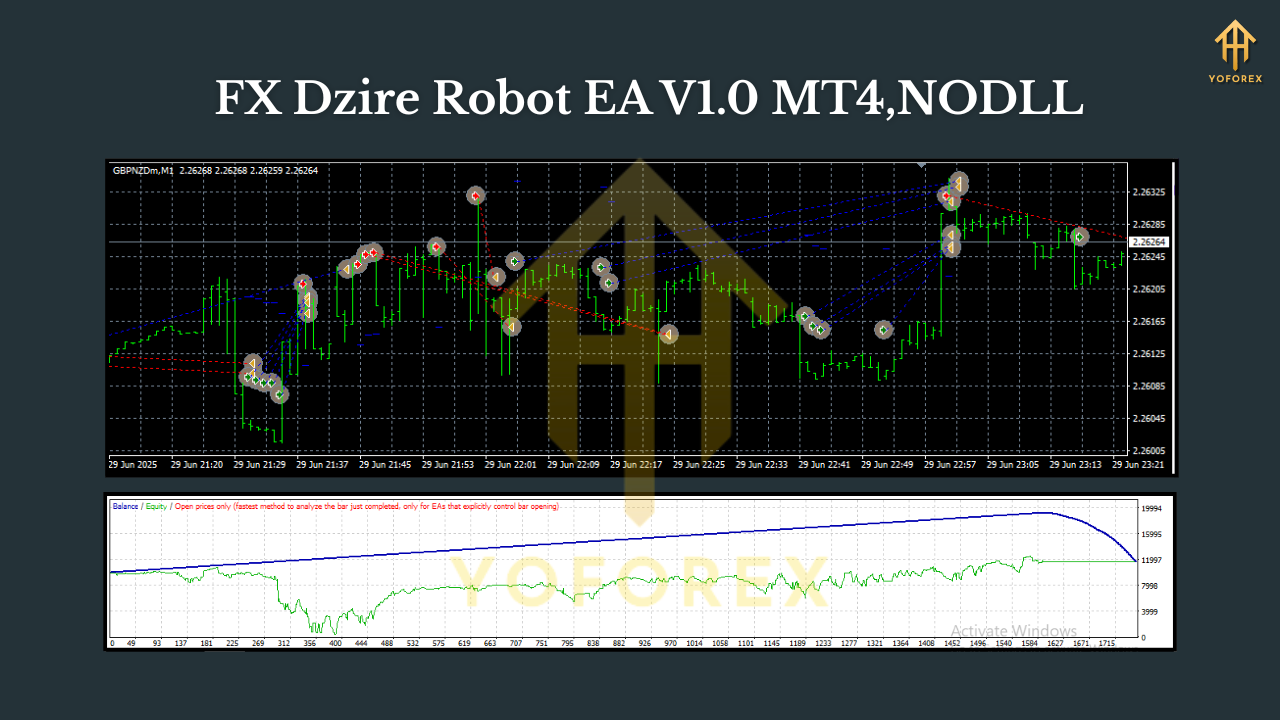
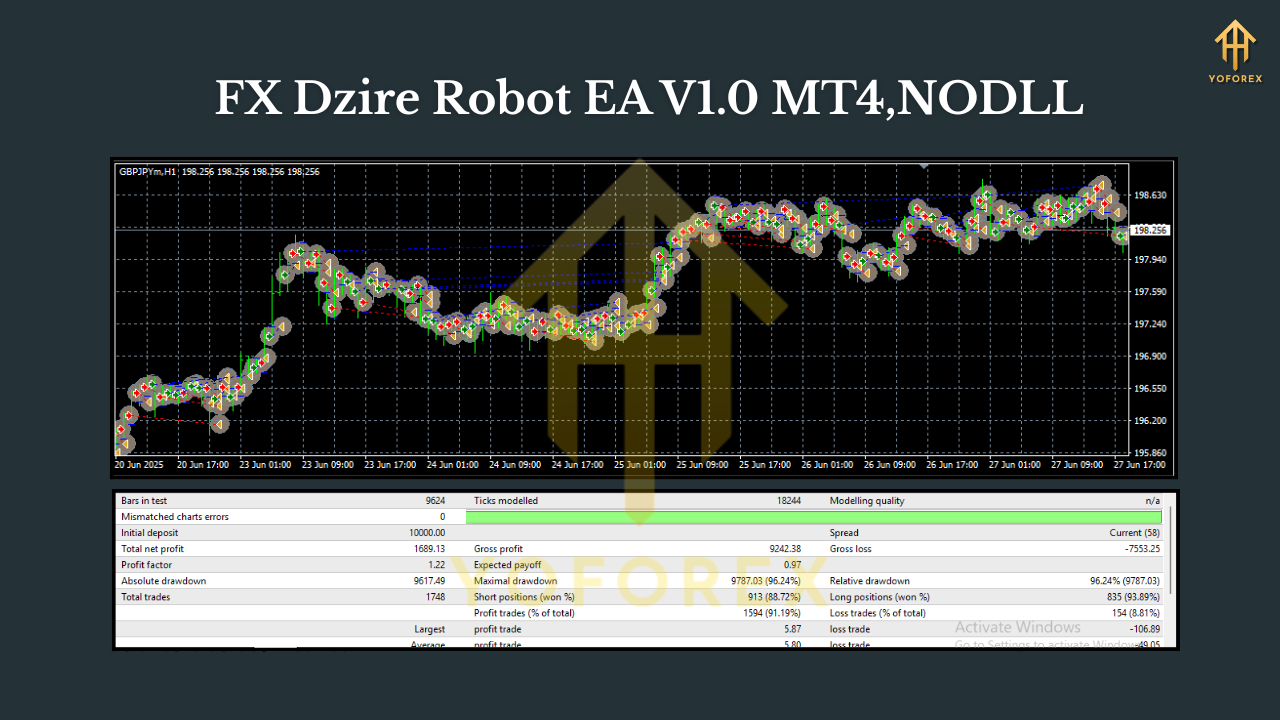
Your goal isn’t the highest equity curve; it’s the most stable curve with acceptable drawdown. Low DD + steady slope beats peaks and crashes, always.
Who Will Like FX Dzire
- Newer traders who want a structured, rule-based system with minimal manual work.
- Busy pros who want a set-and-observe EA that adapts across pairs/timeframes.
- System tinkerers who enjoy optimizing filters and building a portfolio of symbols.
Who Should Pass
- Anyone looking for guaranteed profits (those don’t exist).
- Traders unwilling to backtest, forward-test, or manage risk.
Best-Practice Tips
- Broker choice matters: Lower spreads + reliable execution make any EA’s logic shine.
- Keep logs: Export statements weekly. Journal what’s working and what’s not.
- Be patient with timeframes: M1–M5 need lots of data to judge performance. H1/H4 need fewer trades but more calendar time.
- Scale in slowly: Add pairs or charts one at a time, not ten at once.
- Update discipline: If the developer ships a new version, re-test before going live.
Final Word
FX Dzire Robot EA V1.0 MT4 isn’t a push-button money machine; it’s a flexible engine you can shape to your style—scalp, intraday, or swing—across symbols and timeframes. Start small, test properly, respect risk, and you’ll quickly see whether its adaptive approach fits your playbook. If you give it that methodical rollout, you’ll get cleaner data, tighter control, and far less stress than “set everything everywhere” on day one.


Comments
No comments yet. Be the first to comment!
Leave a Comment