
MarketReact EA V3.5 MT4 — Dual-Mode Precision for Smart M15 Trading
If you’ve ever wished your MT4 robot could adapt to the market’s mood—range today, trend tomorrow—MarketReact EA V3.5 MT4 is built for exactly that. It combines two distinct trading modes inside one professional-grade package: an intelligent grid engine that thrives in balanced, sideways conditions, and a disciplined trend mode that focuses on a single, clean position when momentum kicks in. At the core sits a BBMA (Bollinger Bands + Moving Averages) entry engine designed to filter noise and time entries with higher probability. In short: fewer random shots, more structured decisions.
This post gives you a practical, trader-first look at how MarketReact EA V3.5 works on AUDNZD, AUDCAD, and EURUSD with the M15 timeframe—plus setup tips, risk guidance, and best practices so you can get moving fast.
What is MarketReact EA V3.5?
MarketReact EA V3.5 MT4 is an automated trading system that blends two approaches in one Expert Advisor:
- Grid Mode for range-bound sessions where prices oscillate around a mean;
- Trend Mode for directional phases where one well-managed position is statistically superior to stacking orders.
Its BBMA entry logic uses Bollinger Band touches, band expansions/contractions, and moving-average alignment to gauge impulse vs. mean-reversion. In practice, that means the EA doesn’t fire just because price nudged a band; it looks for confluence with moving averages and volatility context first. You’ll still want to respect risk (always!), but the engine is built to avoid the classic “every touch is a trade” trap.
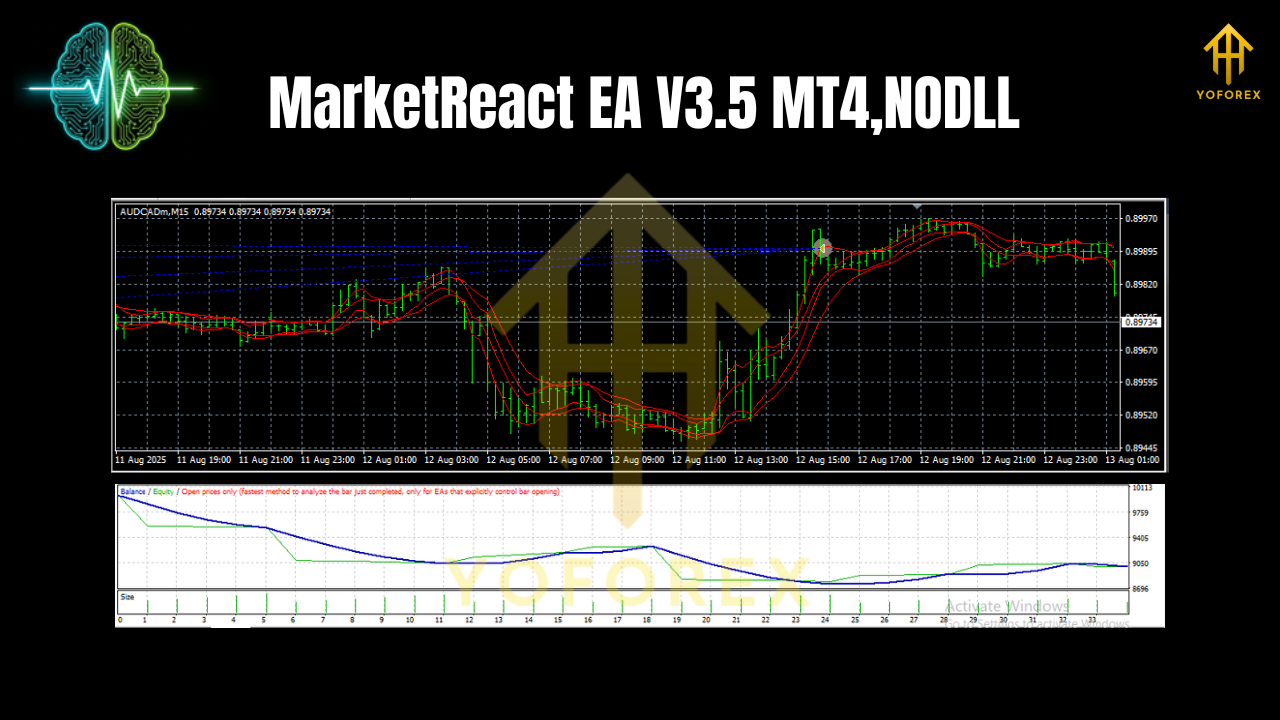
How the Dual Modes Work
Grid Mode (Range Exploiter)
Grid Mode places a series of staged orders around a mean with controlled step spacing. The idea is to capture micro-swings back toward equilibrium while keeping position sizing sensible. This isn’t a blind martingale; you can cap the total exposure, define max simultaneous positions, and set equity protection so that a strong impulsive move doesn’t run you over. Grid Mode shines during Asia session drifts or post-news reversion phases when price expands then fades.
When to use: Consolidation, low-to-moderate volatility, clear Bollinger “squeeze and breathe” cycles.
Trend Mode (Clean Momentum Rider)
Trend Mode takes a single, well-managed position when the BBMA engine confirms momentum: price rides the outer band with MA alignment, pullbacks hold mid-bands, and volatility expands in the breakout’s direction. This mode is tighter and more selective, which many prop-style traders prefer.
When to use: After London open when momentum often sets in, or on days when macro news establishes a directional push.
Key Features You’ll Actually Use
- Two fully switchable modes: Grid for ranges, Trend for momentum days.
- BBMA confluence engine: Bollinger + MAs to reduce false signals.
- M15 focus: Built and tuned around the M15 timeframe for balance of noise vs. signal.
- Pair presets: Profiles for AUDNZD, AUDCAD, EURUSD.
- Equity & balance protectors: Daily/overall loss caps, equity stop, and trade pause on drawdown.
- Position limits: Cap total grid orders; trend mode is strictly single-entry.
- Time filters: Avoid low-liquidity windows or high-impact news (optional).
- Partial take-profits: Scale out on pre-defined levels or Bollinger mid-band tags.
- Breakeven & trailing: Lock gains intelligently on volatility expansion.
- No forced martingale: Lot progression is controllable; fixed or modest step-up only if you choose.
- Notifications: MT4 alerts and (optional) mobile push for entries/exits.
- Backtest-friendly inputs: Clear params to replicate tests across months/years.
Recommended Instruments, Timeframe & Conditions
- Timeframe: M15 (core design choice for balance of signal quality and trade frequency).
- Pairs: AUDNZD and AUDCAD tend to range more frequently and suit Grid Mode; EURUSD offers reliable AM/PM directional moves for Trend Mode.
- Sessions:
- Grid Mode: Asian session and quieter London/NY overlaps when bands “breathe” around the mean.
- Trend Mode: 30–90 minutes after London open or right after major data releases once direction stabilizes.
- Execution: Use a low-spread, reliable broker; VPS recommended to keep latency consistent.
Risk Management & Best Practices
- Define daily risk limits. Example: stop trading for the day at −2% equity to avoid revenge trading.
- Cap grid depth. Don’t keep stacking forever; grid spacing + max orders should reflect average true range (ATR) and recent volatility.
- Keep lots sensible. Fixed lot works for most retail accounts; if you use dynamic lots (risk-based), tie it to equity so sizing adapts.
- Respect news filters. If you don’t trade news professionally, let the EA pause around red-flag events.
- Test per pair. One size never fits all—fine-tune spacing/TP for AUDNZD vs. EURUSD, etc.
- Journal and iterate. Note days when the mode didn’t match the regime; adjust your session filters.
Installation & Setup
- Copy files: Place the .ex4/.mq4 into
MQL4/Experts/. Restart MT4. - Attach to chart: Open M15 charts for AUDNZD, AUDCAD, EURUSD and attach the EA.
- Enable Algo Trading: Click the MT4 “Algo Trading” button (top toolbar) so the smiley face shows on the chart.
- Load a preset: Choose a preset for Grid or Trend mode (or start with defaults).
- Broker settings: Verify lot minimums, step size, and margin requirements.
- Equity protector: Turn on daily loss cap and equity stop before going live.
- Forward test: Run it on demo or a small live account first to confirm execution quality.
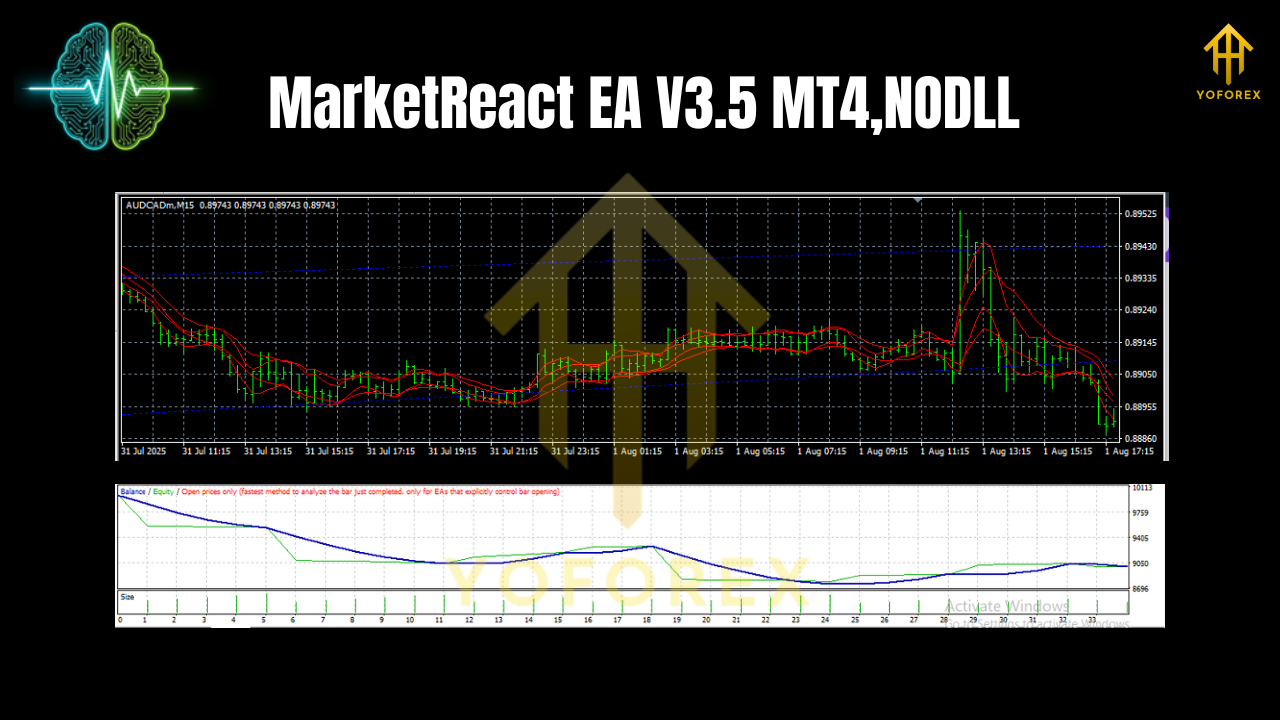
Backtesting & Optimization Tips
- Data quality matters: Use high-quality tick data where possible; M15 still benefits from reliable ticks.
- Walk-forward approach: Optimize on one period, validate on the next (rolling windows) to reduce curve-fit risk.
- Mode-by-mode tests: Test Grid Mode separately from Trend Mode to understand each profile’s equity curve, drawdown, and average trade duration.
- Session filters: Try excluding the first minutes after major news for grid; for trend, test entry delays to avoid the initial whipsaw.
- Robustness checks: Slightly perturb inputs (±10–20%) to ensure the strategy doesn’t collapse with tiny parameter shifts.
Example Starting Parameters
Grid Mode (AUDNZD, M15)
- Base lot: 0.01 per $1,000 (adjust to your risk)
- Grid step: 10–18 pips (volatility-dependent)
- Max orders: 5–7
- TP per layer: 8–12 pips or mid-band touch
- Equity stop: −2% daily, −6% overall
Trend Mode (EURUSD, M15)
- Entry: BB outer band break + MA alignment
- SL: beyond mid-band or last swing (1–1.5× ATR)
- TP: 1.2–2.0× SL; optional trailing after +1R
- Breakeven: at +0.8–1.0R
- Trading window: London open +30m to NY pre-lunch
Tweak these to your account size, broker conditions, and risk appetite.
Who Is MarketReact EA V3.5 For?
- Hybrid traders who want one EA for both calm ranges and accelerating trend days.
- Risk-aware users who value equity protection, position caps, and time filters.
- Prop-style traders seeking consistent rules, modest daily targets, and tight control over drawdown.
- Hands-on optimizers who enjoy testing session filters and pair-specific presets.
Final Thoughts
MarketReact EA V3.5 MT4 is about choosing the right tool at the right time—Grid when the market breathes around a mean, Trend when momentum speaks clearly. Pair it with disciplined risk, clean execution, and honest journaling, and you’ve got a robust framework for M15 on AUDNZD, AUDCAD, and EURUSD. Start on demo (or a small live account), collect data for a few weeks, and then lean into the mode and parameters that fit your style.
Join our Telegram for the latest updates and support


Comments
No comments yet. Be the first to comment!
Leave a Comment