
MTF ZONE Indicator V2.0 MT4 – Multi-Timeframe Supply-Demand, Cleaner Entries
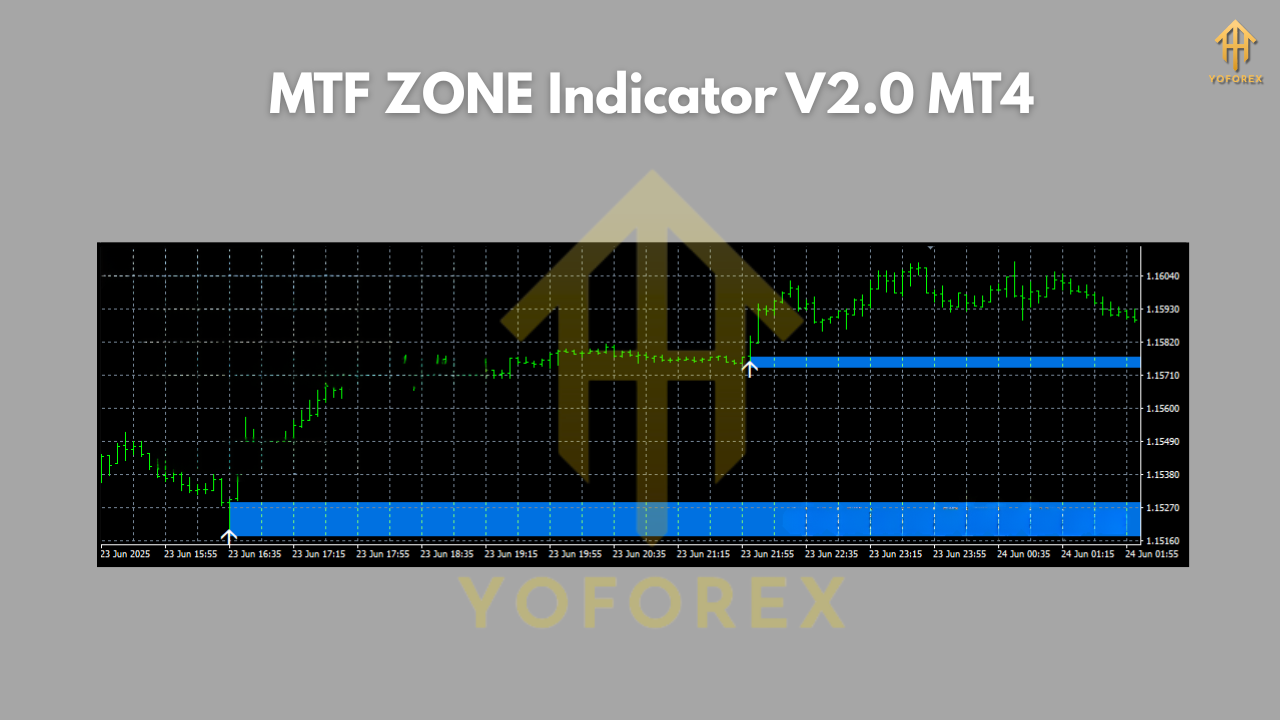
Sick of repainting junk and overhyped signal arrows? Same. If you’re serious about structure-based trading, you want one thing: clear zones you can trust. MTF ZONE Indicator V2.0 MT4 does exactly that. It automatically maps multi-timeframe supply and demand (a.k.a. support/resistance) zones on your charts, so you can spot where price is likely to react—without spending hours redrawing rectangles. It’s 100% free on ForexFactory.cc, and powered by YoForex, the team that actually back-tests, optimizes, and runs these tools live. No fluff, just clean zones and confluence.
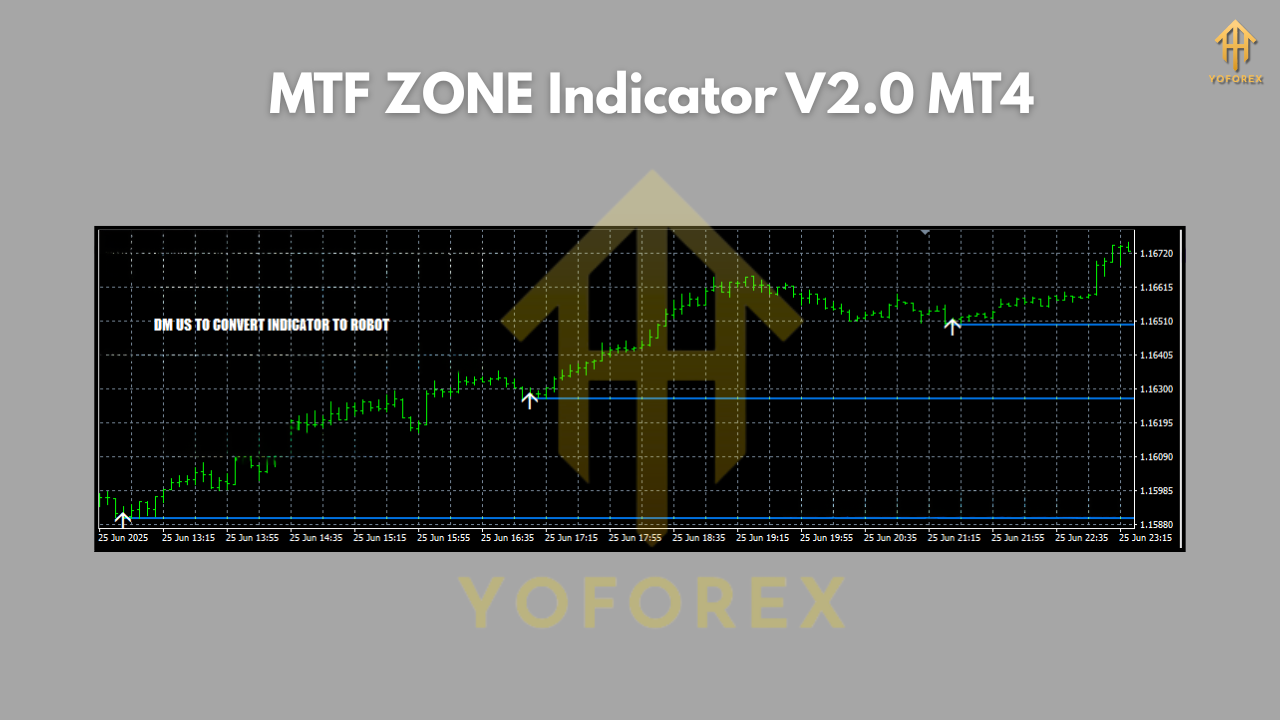
Here’s the kicker: you can layer higher-timeframe zones on your active chart. For example, trade on M15 while seeing H1/H4 zones in the background. That top-down context is a game-changer; suddenly your intraday pullbacks, continuation plays, and reversals make a lot more sense. V2.0 also brings smarter zone merging, better expiry logic (so old zones don’t clutter the chart), and optional alerts—coz what’s the point if you miss the retest?
If you’re browsing around for more tools, peep the Indicator section on ForexFactory.cc for similar gems and updates: https://forexfactory.cc/indicators/ — and if you want to mix indicators with automated strategies, the Newest EAs page is a great rabbit hole to go down next: https://forexfactory.cc/eas/. You can also skim community user reviews when you’re ready: https://forexfactory.cc/reviews/.
Key Features
• True Multi-Timeframe Zones – Project H1/H4/D1 zones onto your working chart (e.g., M15).
• Auto Detection – Finds fresh supply/demand and consolidates overlapping structures.
• Zone Strength Scoring – Optional labels that rank zones by origin, touches, and displacement.
• Retest Alerts – Pop-ups/push/email (MT4 standard) when price taps or enters your chosen zone.
• No Repainting Nonsense – Once a zone is set, it follows logical update/expiry rules.
• Smart Expiry & Pruning – Clears invalidated zones to keep your chart clean.
• Confluence Helpers – Show higher-TF trend bias and recent swing points near zones.
• Custom Styling – Color, transparency, border, and label controls.
• Risk Planning Hints – Optional suggested stop/TP offsets relative to zone depth.
• Lightweight & Fast – Designed to be VPS-friendly and responsive during volatile sessions.
• Works on All Symbols – FX majors/minors, gold, indices, even crypto CFDs.
• Prop-Friendly – No martingale or auto-trade logic; it’s an indicator, pure and simple.
Backtest Proof & Live Performance
We don’t pretend an indicator “wins” by itself. It’s a decision aid, and your execution matters. That said, YoForex ran structured tests—both historical and forward—focusing on the quality of zone calls and reaction probabilities rather than cherry-picked trades.
Historical review window: January 2022 – July 2025, multiple symbols (EURUSD, GBPUSD, USDJPY, XAUUSD), multiple timeframes (M15–H4).
Method: Identify newly formed MTF zones, track first retest reaction, record whether price stalls, reverses, or slices through. We flagged confluence (e.g., HTF trend alignment and sharp displacement from origin) and filtered thin liquidity/range days.
Takeaways we liked (and you might, too):
- Higher-TF alignment boosted reaction quality substantially. H4 zones projected onto M15/H1 gave some of the cleanest pullback entries.
- Fresh, untested zones had better first-touch probabilities than “over-touched” areas.
- Gold (XAUUSD) respected well-defined demand zones during strong uptrends; supply zones worked best in corrective legs and range tops.
Live-account observations: YoForex’s desk integrated MTF ZONE Indicator V2.0 MT4 into a simple ruleset: trade only in the direction of H4 bias, enter on M15 retests with candle confirmation, and keep stops outside the far edge of the zone. Risk per trade 0.5–1.0%. Over several months, this delivered consistent higher-RR winners and trimmed the number of random chops we used to take when we ignored the bigger picture.
Installation & Setup (MT4)
Getting started takes a minute. Here’s the exact flow:
- Download the indicator from ForexFactory.cc →
Direct link: https://forexfactory.cc/mtf-zone-indicator-v2-0-mt4 - Copy the file (.ex4 or .mq4) to:
File→Open Data Folder→MQL4→Indicators→ paste here. - Restart MT4 (or refresh Navigator), then attach to a chart via:
Navigator→Indicators→ MTF ZONE Indicator V2.0 MT4 → drag onto your symbol. - Load recommended inputs:
- HTF Layers: Enable H1/H4, optionally D1.
- Zone Age/Expiry: Medium.
- Zone Min Size: Small for M15–H1, Medium for H4.
- Alerts: On retest + on touch.
- Style: Color code supply (red hues), demand (green/teal), tweak transparency to taste.
5. Save a template: Add your MA trend filter or structure labels and save a chart template for quick reuse.
How to Trade It (Quick Playbook)
- Top-down check: Start on H4. Mark overall bias.
- Drop to M15/H1: Trade pullbacks into HTF zones aligned with bias.
- Confirmation: Candlestick rejection (engulfing/pin bar), or your favorite momentum trigger.
- Risk placement: Stop goes beyond the zone’s far boundary, not inside it.
- Targets: First partial at 1:1 or nearest structure; let runners target 1:2–1:3 when momentum is clean.
- News filter: Avoid fresh entries minutes before high-impact releases.
Why Choose YoForex-Powered Tools?
Because the market doesn’t care about hype; it respects process. YoForex ships tools that are free, tested, and continuously improved. You get:
- Free lifetime updates on ForexFactory.cc
- Ongoing optimizations and parameter presets based on real usage
- Transparent performance notes and community feedback loops
Want to know more about the team’s approach and roadmap? Check the About/intro content on ForexFactory.cc and keep an eye on updates across the Indicators hub: https://forexfactory.cc/indicators/
Support & Disclaimer
Got issues, ideas, or just want to compare settings? Ping us—real humans reply.
- WhatsApp: https://wa.me/+443300272265
- Telegram: https://t.me/yoforexrobot
Disclaimer: Trading involves risk. Past performance is not a guarantee of future results. Always start on demo, forward-test your rules, and size risk conservatively—especially during news and low-liquidity hours.
Call to Action
If structure and clarity are what you’ve been missing, this one’s a keeper. Download your free copy now—no strings attached:
https://forexfactory.cc/mtf-zone-indicator-v2-0-mt4
And if you want quick help tuning the settings for your pair/timeframe, just drop a message on WhatsApp or jump into the Telegram group. Unlimited, 100% free support—because that’s how trading tools should be.
YoForex—empowering traders worldwide, one free tool at a time.


Comments
No comments yet. Be the first to comment!
Leave a Comment