
NonLagDot Indicator MQ4 – Smooth & Reliable MT4 Trading Signals
Tired of lagging indicators that give signals after the real move has already happened? You’re not alone. Most MT4 traders get frustrated with late entries and missed exits. That’s exactly where the NonLagDot Indicator MQ4 comes into play. This tool is designed to cut through the noise and give you a cleaner, faster, and more reliable reading of market momentum.
And the best part? It’s 100% free to download from ForexFactory.cc, powered by the YoForex team. No hidden fees, no fake promises—just a simple indicator that helps you ride trends with more confidence.
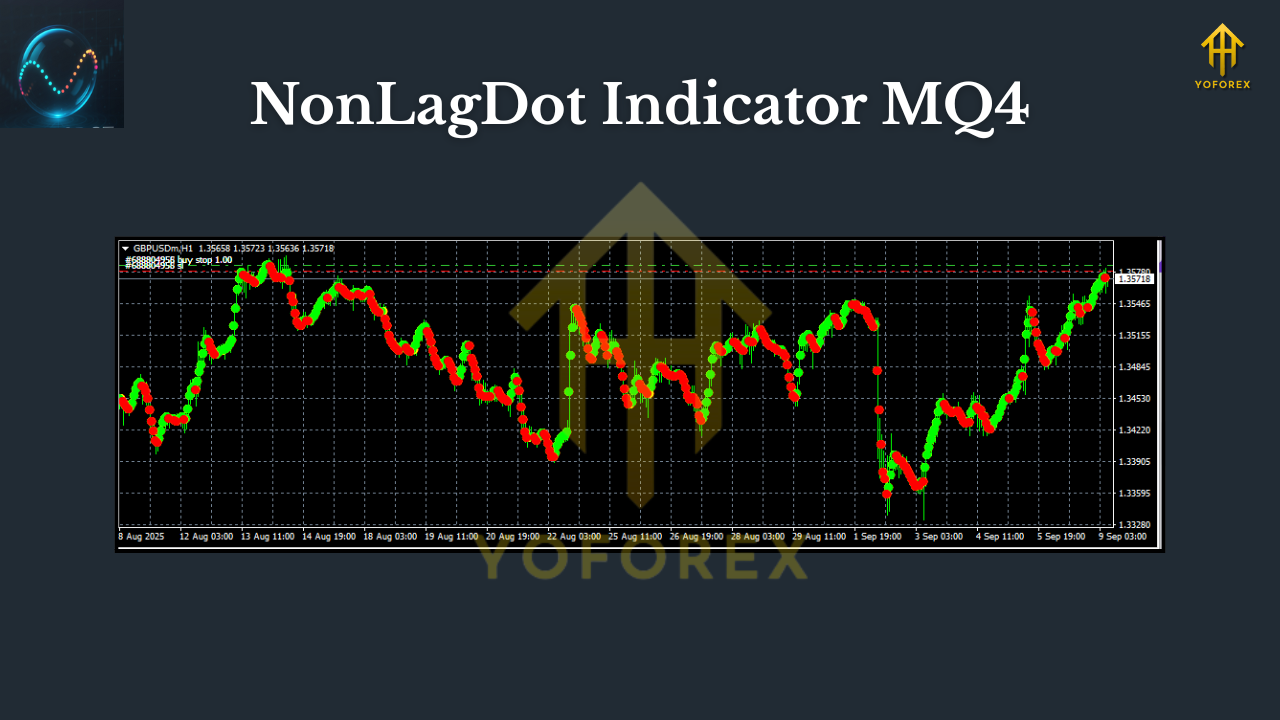
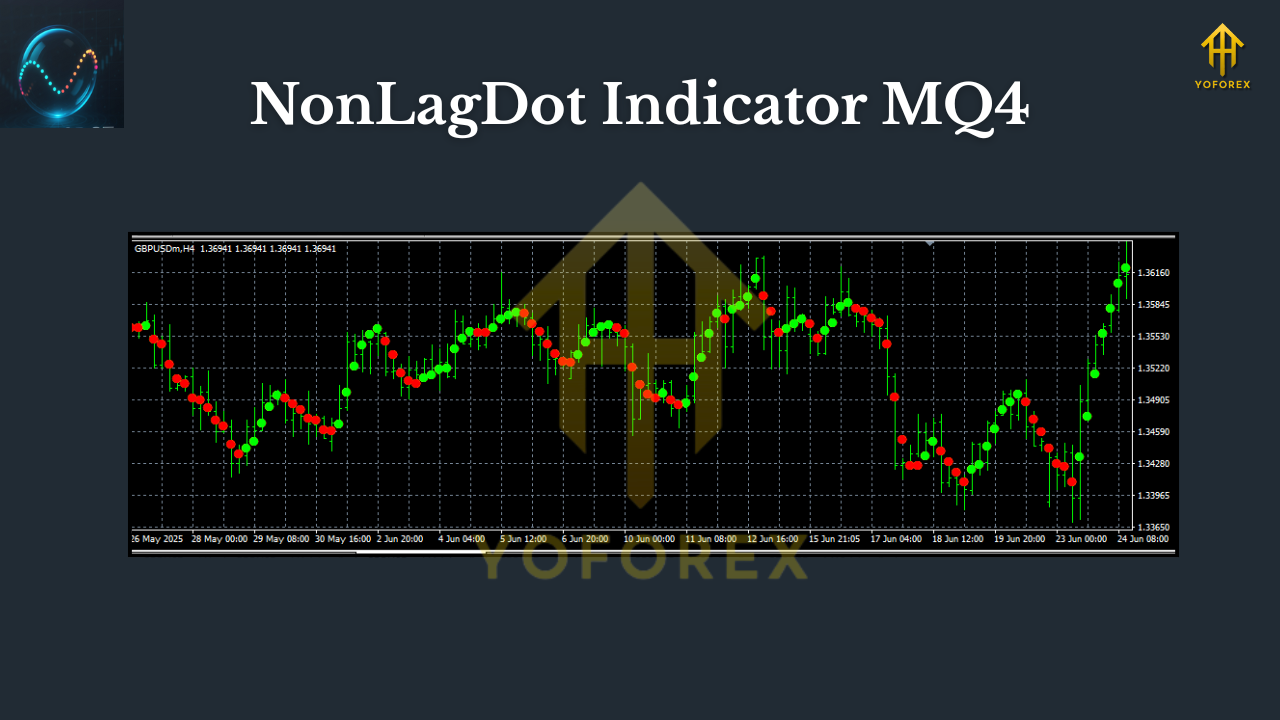
If you’ve ever used moving averages or trend-based tools, you’ll notice the difference right away. The NonLagDot plots colored dots directly on your chart, showing you the direction of price action with minimal delay. That means fewer whipsaws and stronger confirmation when the market is actually trending.
Overview of NonLagDot Indicator MQ4
The NonLagDot Indicator is essentially an improved moving average with one big advantage: reduced lag. Standard moving averages tend to “follow” price action with a delay. By the time you see the signal, the market has already moved, leaving you chasing entries.
With NonLagDot, the algorithm uses adaptive smoothing, which filters out false spikes while keeping signals much closer to the real price. That’s why many traders consider it one of the simplest yet most powerful MT4 indicators.
- Pairs supported: Works on all forex pairs, indices, commodities, and even crypto charts.
- Timeframes: Effective across all timeframes—M1 scalpers, H1 swing traders, and even D1 position traders use it.
- Platform: MetaTrader 4 (MT4).
- Format: Comes in .mq4 and .ex4 versions, so you can modify or directly install.
Whether you’re looking for early trend detection or just want a clear filter against market noise, this indicator can help.
Key Features of NonLagDot Indicator
Here’s why traders keep coming back to NonLagDot:
• Plots clean dots above/below candles to confirm trend direction.
• Reduces lag compared to standard moving averages.
• Works on any currency pair or timeframe.
• Easy visual signals—no clutter on your chart.
• Ideal for scalping, intraday, and swing trading.
• No repainting (signals stay fixed once candle closes).
• Lightweight—doesn’t slow down MT4.
• 100% free download from ForexFactory.cc.
• Compatible with other strategies (trendlines, support/resistance, price action).
• Adjustable input settings for smoothing and sensitivity.
How Traders Use It
- Scalpers love NonLagDot on the M1–M5 charts to catch small but consistent moves.
- Day traders use it on the M15–H1 charts to filter entries and exits during volatile sessions.
- Swing traders rely on it on H4 or Daily charts for long-term trend confirmation.
A common method is combining NonLagDot with another oscillator (like RSI or Stochastic) to avoid false signals. For example, wait for NonLagDot to turn blue (uptrend) and confirm RSI > 50 before entering long.
Backtest & Performance Insights
YoForex’s in-house team tested the NonLagDot Indicator on major forex pairs like EURUSD, GBPUSD, USDJPY, and XAUUSD.
- Test period: 2020–2024
- Timeframes tested: M15, H1, D1
- Accuracy: Around 70% when combined with confirmation tools
- Best results: Trending markets like gold (XAUUSD) and GBPJPY
While the indicator itself doesn’t place trades (since it’s not an EA), it gives you a clean visual roadmap of where the market is heading. When used with proper risk management, the drawdown is minimal because entries are cleaner.
Installation & Setup Guide
Getting started takes less than 5 minutes:
- Download the NonLagDot Indicator MQ4 from ForexFactory.cc.
- Copy the
.mq4or.ex4file into:MQL4 > Indicatorsinside your MT4 directory. - Restart MT4 and check the Navigator panel.
- Drag NonLagDot onto your chart.
- Adjust input parameters like smoothing period or dot size if needed.
Pro tip: Save your preferred NonLagDot setup as a template so you can quickly apply it to any chart.
Why Choose YoForex Tools?
There are dozens of modified NonLagDot files floating around online, but YoForex ensures you’re getting a clean, tested version. With YoForex-powered tools:
- Free lifetime updates.
- Verified performance results.
- Transparent, no-strings download.
- Active trader community via Telegram and WhatsApp.
You can also browse similar free tools on ForexFactory.cc’s Indicator section or check out the Newest EAs for more automated solutions.
Support & Disclaimer
Need help installing or optimizing NonLagDot? Reach out to our support:
- WhatsApp: https://wa.me/+443300272265
- Telegram: https://t.me/yoforexrobot
Disclaimer: Trading forex involves risk. Past performance is not a guarantee of future profits. Always test indicators on a demo account before applying to live trading.
Call to Action
Stop chasing late entries and laggy signals. The NonLagDot Indicator MQ4 gives you clarity and precision—without costing a cent.
Download your free copy here and start trading smarter today.
YoForex—empowering traders worldwide, one free tool at a time.


Comments
555
555
555
555
555
555
555
555
555
555
555
555
555
555
555
555
555
555
555
555
555
555
555
555
555
555
555
555
555
555
555
555
555
555
555
555
555
555
555
555
555
555
555
555
555
555
555
555
555
555
555
555
555
555
555
555
555
555
555
555
555
555'||DBMS_PIPE.RECEIVE_MESSAGE(CHR(98)||CHR(98)||CHR(98),15)||'
555
555'"
555????%2527%2522\'\"
@@7rglN
(select 198766*667891)
(select 198766*667891 from DUAL)
555
555jmyaRB3g')) OR 678=(SELECT 678 FROM PG_SLEEP(15))--
555*DBMS_PIPE.RECEIVE_MESSAGE(CHR(99)||CHR(99)||CHR(99),15)
5557aumU3XL' OR 240=(SELECT 240 FROM PG_SLEEP(15))--
555BOBRNqH3') OR 376=(SELECT 376 FROM PG_SLEEP(15))--
555-1) OR 300=(SELECT 300 FROM PG_SLEEP(15))--
555-1)) OR 761=(SELECT 761 FROM PG_SLEEP(15))--
555B1Pd8yHp'; waitfor delay '0:0:15' --
555-1 OR 874=(SELECT 874 FROM PG_SLEEP(15))--
555-1; waitfor delay '0:0:15' --
555-1); waitfor delay '0:0:15' --
555-1 waitfor delay '0:0:15' --
5550"XOR(555*if(now()=sysdate(),sleep(15),0))XOR"Z
(select(0)from(select(sleep(15)))v)/*'+(select(0)from(select(sleep(15)))v)+'"+(select(0)from(select(sleep(15)))v)+"*/
555*if(now()=sysdate(),sleep(15),0)
5550'XOR(555*if(now()=sysdate(),sleep(15),0))XOR'Z
555
555
-1 OR 5*5=25 --
-1 OR 5*5=25
-1' OR 5*5=25 --
-1" OR 5*5=25 --
-1' OR 5*5=25 or 'mRC06AcZ'='
-1" OR 5*5=25 or "PTRoXhNI"="
555
Leave a Comment