
Profit Levels Indicator MT4: A Comprehensive Guide for Traders
In the fast-paced world of forex and CFD trading, precision is everything. The Profit Levels Indicator MT4 emerges as a game-changing tool designed to help traders automate profit targets, stop-loss placements, and risk management. Whether you’re a scalping intraday trader or a swing investor, this indicator streamlines decision-making, reduces emotional bias, and optimizes profitability. In this guide, we’ll explore its features, installation process, practical applications, and why it’s a must-have for MT4 users.
What is the Profit Levels Indicator MT4?
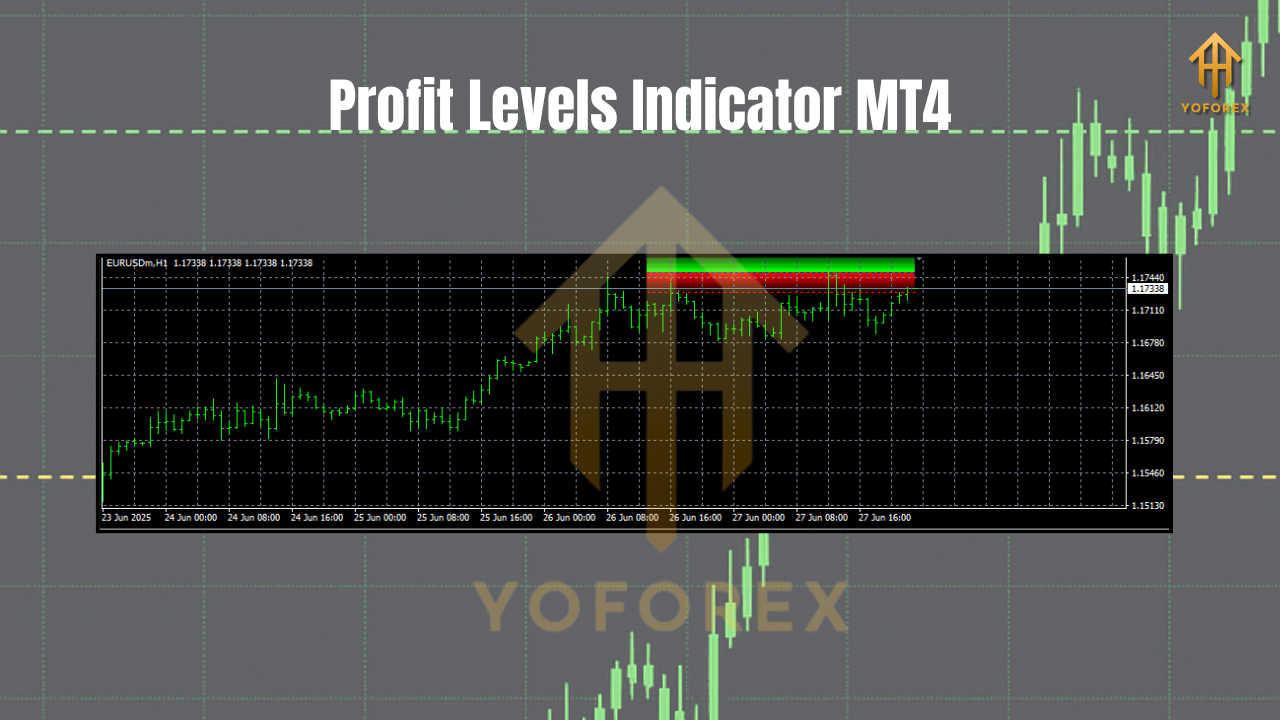
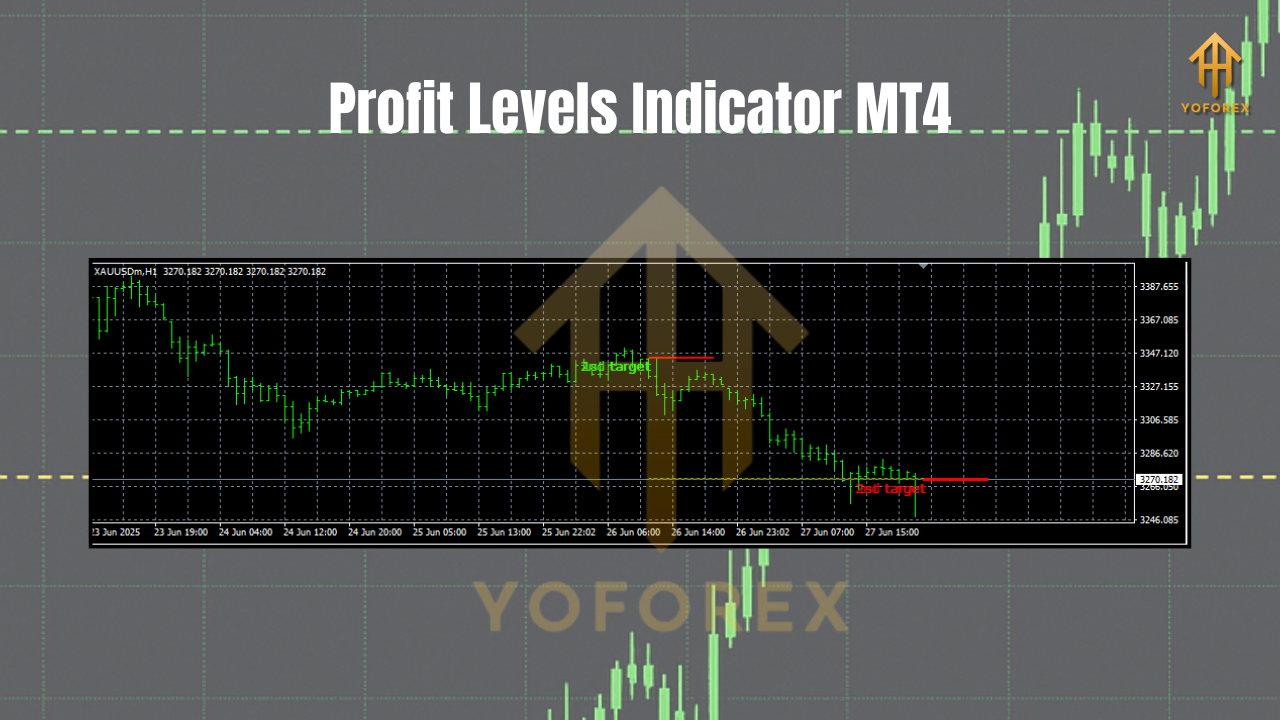
The Profit Levels Indicator is a custom-built MT4 tool that visually displays predetermined profit targets and stop-loss levels on your price charts. Unlike manual placement, it automates risk-reward calculations based on user-defined parameters (e.g., risk percentage, distance from entry). Key features include:
- Customizable Levels: Set profit targets at fixed ratios (e.g., 1:2, 1:3 R/R).
- Dynamic Stop-Loss: Automatically adjusts stops based on volatility or price action.
- Alert System: Notifies traders when price hits target zones.
- Risk Management: Enforces disciplined exits to protect capital.
Why Traders Love the Profit Levels Indicator
1. Enhanced Risk Management
Manual stop-loss placement is prone to human error. This indicator ensures consistent risk-reward ratios, aligning with your trading plan. For example, if you risk 1% per trade, it calculates stop-losses and profit targets accordingly.
2. Time Efficiency
No more staring at charts for exit signals. The indicator plots levels instantly, freeing you to focus on strategy execution.
3. Emotion-Free Trading
Fear and greed often lead to premature exits or over-leveraging. Automated levels enforce discipline, sticking to your predefined rules.
4. Versatility
Works across all timeframes and instruments—forex pairs, indices, commodities, and cryptocurrencies. Ideal for scalping, day trading, and swing trading.
Step-by-Step Installation & Setup
Prerequisites:
- MT4 platform installed.
- Indicator file (
.mq4or.ex4).
Installation Steps:
- Download the Indicator: Source it from reputable providers (e.g., MQL5, Forex Factory).
- Access MT4 Data Folder:
- Open MT4 → File → Open Data Folder.
- Navigate to
MQL4/Indicators.
- Upload the File: Copy the indicator file into the
Indicatorsfolder. - Restart MT4.
- Attach to Chart:
- Right-click your chart → Indicators → Custom → Select "Profit Levels".
- Adjust settings:
- Risk %: Capital to risk per trade (e.g., 1%).
- Profit Multiplier: Target ratio (e.g., 2 for 1:2 R/R).
- Stop Type: Fixed, trailing, or ATR-based.
Practical Trading Strategies
1. Scalping with Multiple Targets
For intraday traders, set 3–5 profit targets (e.g., 0.5R, 1R, 2R). Close partial lots at each level to secure profits while letting winners run.
2. Breakout Confirmation
Combine the indicator with support/resistance levels. Enter a breakout trade only if the profit target aligns with a key zone (e.g., previous high/low).
3. Trend Following
In trending markets, use trailing stops. The indicator adjusts stops as price moves in your favor, locking in gains during pullbacks.
4. Mean Reversion
For range-bound markets, set profit targets at opposite extremes of the range. The indicator highlights reversal zones for counter-trend entries.
Limitations & Best Practices
- Limitations:
- Not a standalone strategy; combine with price action or indicators (e.g., RSI, MACD).
- Backtest settings to optimize for your asset class.
- Best Practices:
- Start with demo accounts to fine-tune parameters.
- Avoid over-reliance; use it as a supplementary tool.
- Regularly review performance in different market conditions.
Conclusion: Elevate Your Trading Today
The Profit Levels Indicator MT4 is more than just a tool—it’s a strategic partner that enforces discipline, saves time, and maximizes profitability. By automating risk management and exit planning, it bridges the gap between theory and execution. Whether you’re a novice or seasoned trader, integrating this indicator into your MT4 arsenal can transform your approach to the markets.
Join our Telegram for the latest updates and support


Comments
No comments yet. Be the first to comment!
Leave a Comment