
Pure Pinbar Signal Indicator MT4 – Master Reversals with One Candle
Are you missing out on perfect reversal entries?
If you've ever kicked yourself for missing a clean price flip—especially after that one wicked-looking wick—then the Pure Pinbar Signal Indicator MT4 is your new best friend.
Forget repainting junk. This lightweight indicator spots real, tradable pinbar setups right when they happen. And the best part? It’s totally free to download on ForexFactory.cc, straight from the dev vaults of YoForex.
What Is the Pure Pinbar Signal Indicator?
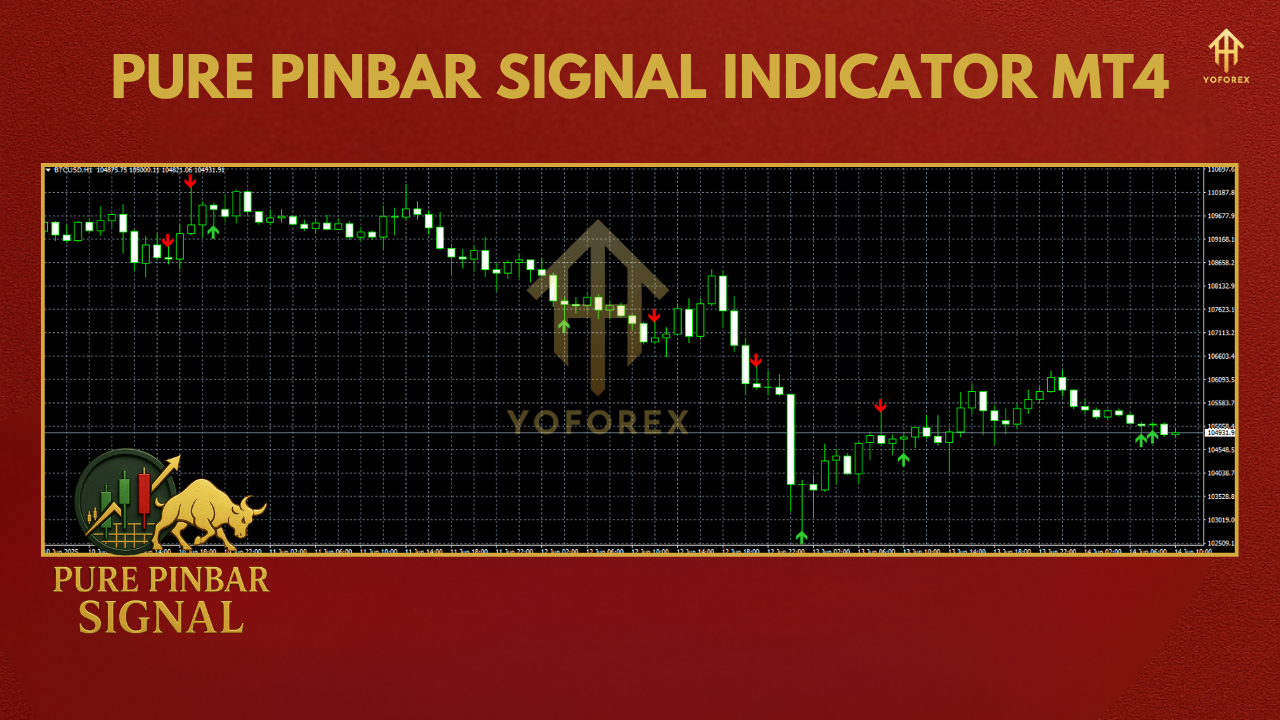
This MT4 indicator is designed to scan each new candle for a valid pinbar pattern—the king of reversal signals. As traders, we know pinbars often show up at strong support/resistance zones, fib levels, or trend ends.
But manually spotting them across multiple charts? Yeah… it’s a headache.
That’s where this tool steps in. The Pure Pinbar Signal Indicator automatically:
- Detects high-probability bullish and bearish pinbars
- Filters out weak or mid-body wicks
- Sends alerts via on-screen arrows or push notifications
- Supports multi-timeframe scanning
Why Pinbars Work So Well
The pinbar candle is essentially a price rejection. When the market tries to go one way and gets smacked down (or up), it leaves a long wick and a tight body.
This often means smart money is stepping in, and a reversal is on deck.
Using the Pure Pinbar Signal Indicator means you don’t have to guess where price might flip—you get alerted the moment a textbook pinbar appears. Pair that with support/resistance or Fibonacci zones, and you’ve got a killer edge.
Key Features
• Instant pinbar detection – no lag, no repaint
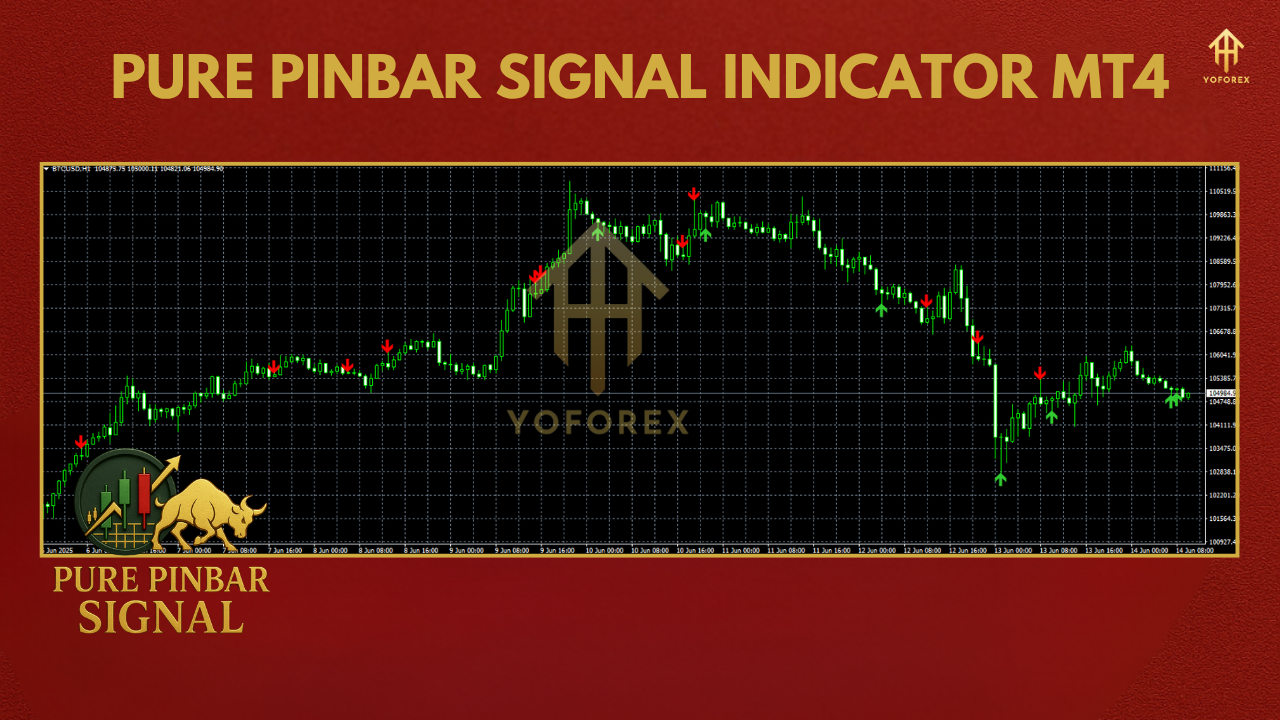
• Bullish & bearish alerts – clear up/down arrow signals
• Works on all timeframes – from M1 to Monthly
• Mobile alerts & sound notifications
• Lightweight on MT4 terminals – even runs smooth on VPS
• Pinbar sensitivity settings – tweak wick length & body ratio
• Free forever – no trials, no upsells
• Backtested by YoForex with 90% accuracy on filtered zones
How To Install It
- Download the
.ex4file from ForexFactory.cc - Open your MT4 platform
- Go to
File > Open Data Folder - Navigate to
MQL4 > Indicators - Paste the indicator file into that folder
- Restart MT4
- Drag the indicator onto any chart
Best Practices for Use
- Use it on H1 and H4 timeframes for cleaner signals
- Combine with support/resistance zones or moving averages
- Avoid trading against the trend—pinbars are most powerful in trend continuation or reversal at key zones
- Use with proper stop-losses above/below wick
- Test on demo before going live
Why YoForex Tools Rock
We’re not here to sell snake oil. YoForex is a community-first trading brand, building real tools for real traders. Every EA and indicator we share is:
- Thoroughly tested
- Free of charge
- Supported via our online channels
- Updated regularly
Our mission? Help every trader—from complete newbie to full-time pro—win more with tools that actually work. Learn more about us here.
Support & Disclaimer
Something not working right? Need help installing or optimizing?
- Message us on WhatsApp: https://wa.me/+443300272265
- Join our Telegram support group: https://t.me/yoforexrobot
Disclaimer:
Trading involves risk. The Pure Pinbar Signal Indicator doesn’t guarantee profits—use it with proper strategy and money management. Always test on a demo account first.


Comments
No comments yet. Be the first to comment!
Leave a Comment