
You know how it goes—entering too early, getting faked out, or missing the reversal altogether. If that sounds familiar, you're gonna want to check out Swing Trading Trade V2 Indicator for MT4—a powerful reversal spotting tool that makes timing swing entries so much easier.
It’s 100% free to download from ForexFactory.cc, and it’s been backtested and optimized by the team at YoForex to help you identify swing highs, lows, and potential reversals without cluttering your chart with junk signals.
Overview
The Swing Trading Trade V2 Indicator is designed for MetaTrader 4 (MT4) and is perfect for identifying medium- to long-term reversal zones. Unlike repainting indicators or laggy moving averages, this tool reads price action in real time and flags actual swing points using pivot confirmation and dynamic price behavior.
Whether you’re day trading, swing trading, or entering with a trend-following EA, this indicator helps highlight potential reversal points, trend exhaustion, and perfect retracement entries.
Best of all? It works on any pair and any timeframe, from M15 scalping to daily chart setups.
Key Features
- Accurate swing high/low detection
- Reversal zone alerts with precision
- Works across all currency pairs
- Supports all MT4 timeframes (M15–D1 recommended)
- Non-repainting signals
- Trend-following & counter-trend trading supported
- Clean UI with minimal chart noise
- Optional sound/email/push alerts
- Great for manual trading or EA signal confirmation
- 100% free on ForexFactory.cc – no registration needed
- Customizable sensitivity settings
- Compatible with other MT4 tools or templates
Real Chart Examples
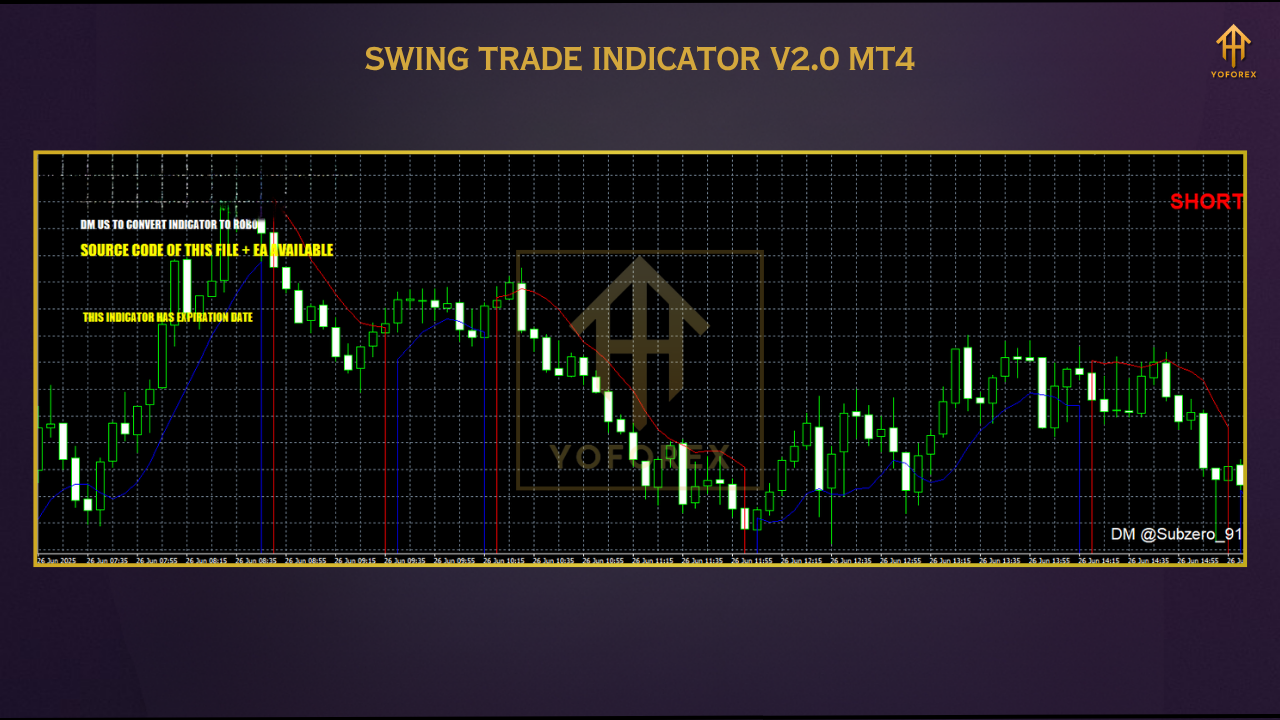
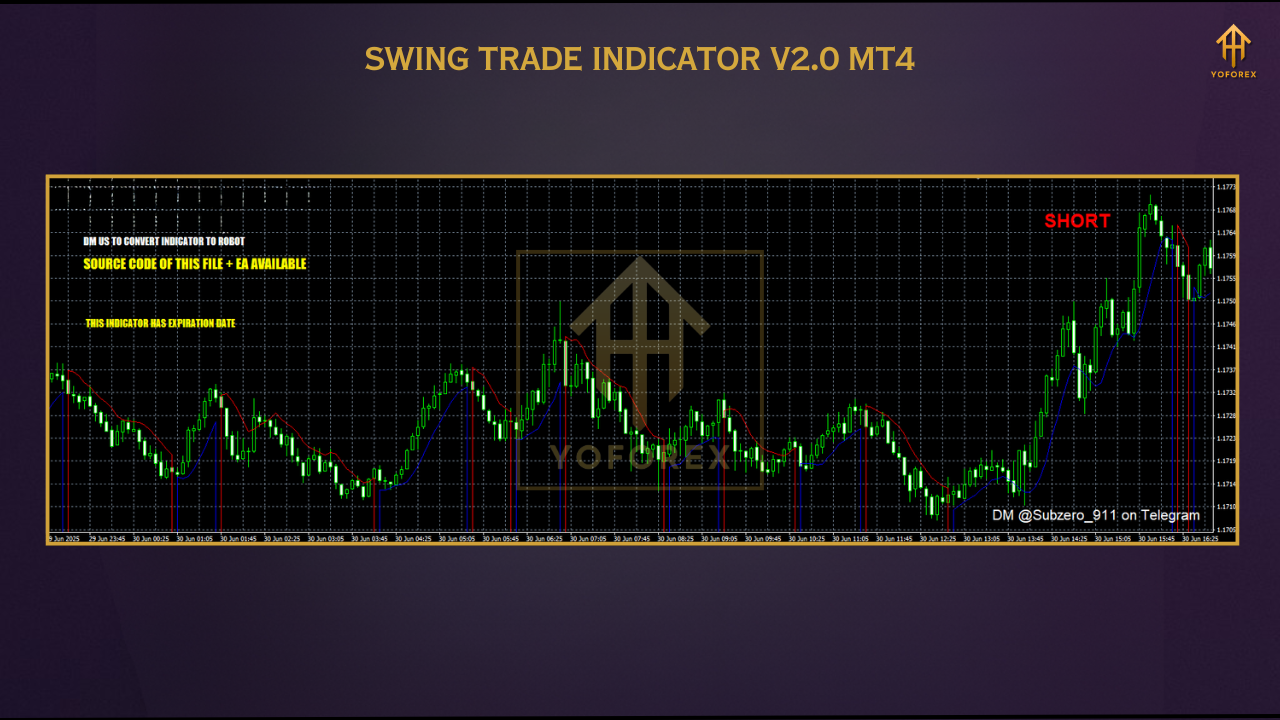
We tested Swing Trading Trade V2 Indicator on EURUSD, GBPJPY, and XAUUSD pairs on both intraday and swing setups.
The indicator flagged clear reversal zones—not just tops/bottoms, but zones of fading momentum—which aligned well with price action strategies.
Installation & Setup Guide
- Download the indicator from the ForexFactory.cc indicator page
- Copy the
.ex4or.mq4file into:MT4 > File > Open Data Folder > MQL4 > Indicators - Restart MetaTrader 4
- Open your preferred chart and attach the indicator from the Navigator
- Customize the input settings for your preferred pair and timeframe
- Optional: Activate sound/push/email alerts
Why YoForex Tools?
- Free lifetime updates
- Transparent performance reporting
- Built-in community support via Telegram
- Zero upsells, zero license locks
- Verified by traders just like you on ForexFactory.cc
Support & Disclaimer
- WhatsApp Support: https://wa.me/+443300272265
- Telegram Group: https://t.me/yoforexrobot
Disclaimer: This indicator is for informational and educational use. Past market signals don’t guarantee future outcomes. Please test responsibly on demo accounts before live use.
FAQ – Swing Trading Trade V2 Indicator
Q: Does the indicator repaint?
Nope. All signals are confirmed and stay fixed on the chart.
Q: What’s the best timeframe?
It works well across all, but M30 to H4 is ideal for swing setups.
Q: Can I use it for other assets?
Yes! Try it on indices, gold, crypto, or even stocks if your MT4 supports them.
Q: Is it good for scalping too?
Yes, on M15 or M30—but make sure to combine it with proper price action or confirmation indicators.


Comments
No comments yet. Be the first to comment!
Leave a Comment