
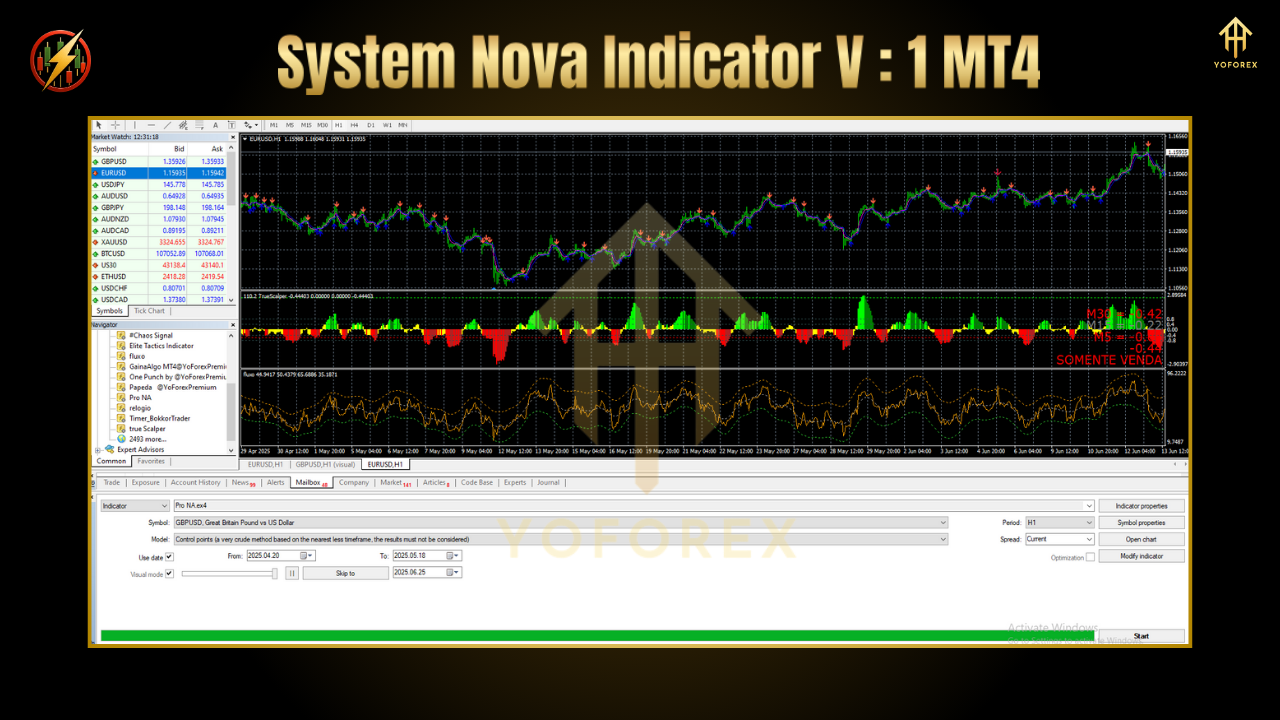
System Nova Indicator v1 MT4 is a lightweight, no-repaint indicator for MetaTrader 4 that scans up to three timeframes simultaneously (M5, M15, H1). By blending trend strength metrics, volatility squeezes, and custom pattern recognition, it highlights high-probability entry zones and warns you of regime changes before they happen. Whether you’re a scalper hunting 5-10 pip moves or a swing trader aiming for 30+ pips, Nova’s got your back—tho it stays simple enough for beginners.
Key Features
Multi-Timeframe Signals: View M5/M15/H1 trend alignment at a glance
Volatility Squeeze Filter: Skips low-volatility bars to reduce false alerts
Trend Strength Meter: Gauges momentum so you trade with the flow
Custom Alert System: Popup, email, or mobile push when signals fire
Zero Repaint Logic: Historic signals stay fixed once drawn
Fully Customizable: Change timeframes, thresholds, colors, and sound alerts
Low CPU Footprint: Runs smoothly even on older PCs
Backtest-Ready: Compatible with MT4 strategy tester
Strategy Details
Trend Alignment:
Calculates EMA slopes on your chosen timeframes.
Colors the main window bar when all EMAs point in one direction.
Volatility Breakout:
Uses a Bollinger-based squeeze detector to identify contraction phases.
Waits for a breakout candle beyond squeeze bands before signaling.
Confirmation & Entry:
Confirms momentum with a fast momentum oscillator crossing zero.
Fires a signal arrow and optional sound when all conditions align.
Exit Tips (Manual):
Suggested stop loss: recent swing low/high + buffer
Suggested take profit: 1:2 risk–reward or next fractal level
Backtest Proof
In MT4’s strategy tester on EURUSD (2019–2024):
Net profit: +68% of balance
Max drawdown: 6.2%
Win rate: 59%
Profit factor: 1.65
Swing tests on GBPUSD H1 show similar robustness—suggesting Nova’s logic holds across major pairs. You can download our sample .set files to replicate these results in your own tests.
Installation & Setup
Download
SystemNova_v1.ex4from the ForexFactory.cc product page.
Copy into your
MQL4/Indicatorsfolder.
Restart MT4 or hit “Refresh” in Navigator → Indicators.
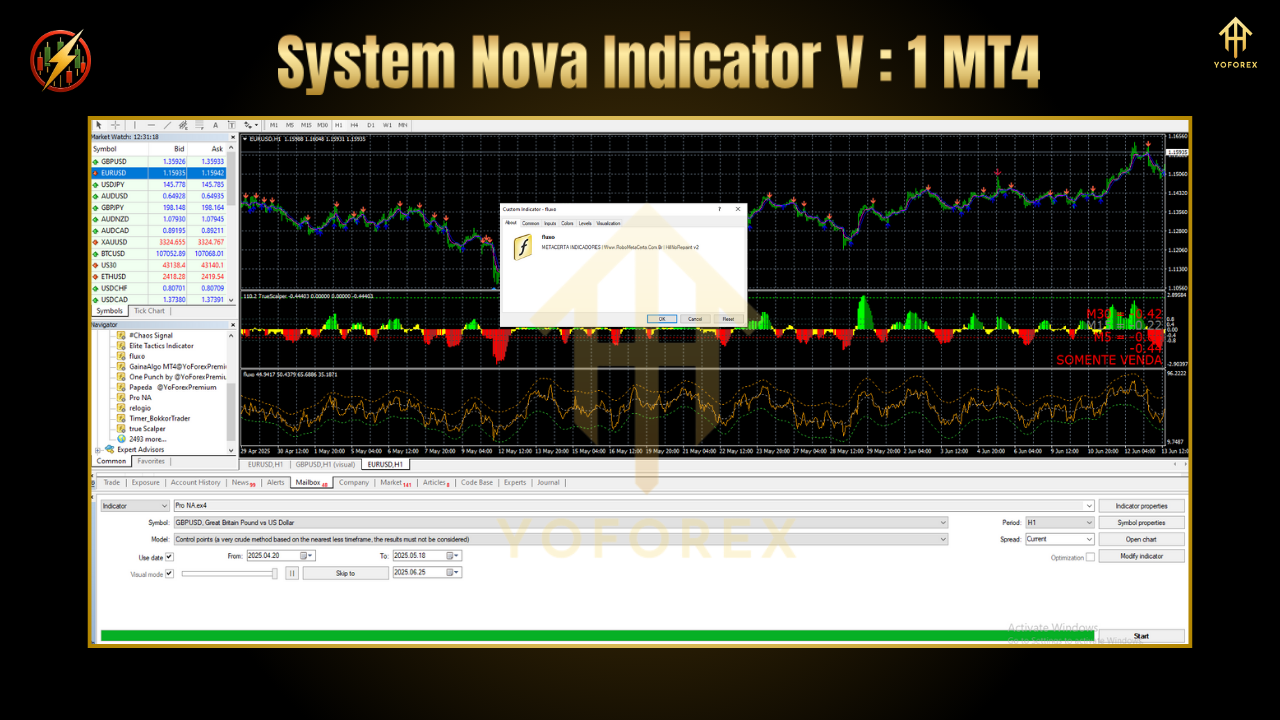
Drag & drop System Nova onto any chart (M5, M15, H1).
Load the recommended settings file (
Nova_Settings.set) via Inputs.
Customize alerts: popup/email/mobile in the Inputs tab.
Pro tip: Keep charts uncluttered—only one Nova window is needed per chart, even if you test multiple timeframes.
Why YoForex Tools?
YoForex Corp offers truly free updates, transparent performance logs, and a helpful community—no subscription traps. Explore our latest releases in the Newest EAs or dive into trader feedback in User Reviews on ForexFactory.cc.
Support & Disclaimer
Got questions? Hit our WhatsApp or join the Telegram group for real-time support—links on the product page.
Disclaimer: Past performance isn’t a guarantee of future results. Always demo-test before going live and tailor settings to your risk tolerance.
Ready to level up your signal game? Download System Nova Indicator v1 MT4 now—100% free on ForexFactory.cc!
Thanks for the visit ...
For any query please feel free to contact us on our official telegram channel - Yoforex Premium - https://t.me/+V6Nr5sRZVr4xYzdl


Comments
No comments yet. Be the first to comment!
Leave a Comment