
Zone EA Timer V1.0 MT5: Automate Your Forex Trades by Time and Zone
If you’re tired of staring at charts all day or want to capitalize on specific market sessions without missing a beat, Zone EA Timer V1.0 MT5 might be just what you need. This MetaTrader 5 Expert Advisor lets you schedule trades by time—say, London open or New York close—and define price zones where you’d like entries and exits. No need for complicated indicator setups or endless optimization sessions. Zone EA Timer handles the heavy lifting, so you can focus on strategy development and risk management while it quietly places your orders during your chosen sessions.
How Zone EA Timer Works
Zone EA Timer V1.0 blends two simple yet powerful concepts:
- Time-Based Execution
- Schedule trades to open or close at specified hours or sessions (e.g., 07:00–09:00 server time).
- Automate session breaks or avoid high-impact news windows by disabling trading during those periods.
2. Zone-Based Entries
- Define upper and lower price boundaries (zones) where you want the EA to take action.
- The EA monitors price within these zones and enters market or pending orders when conditions are met.
By combining time filters with price zones, you can hone in on consolidation breaks, session overlaps, or any market inefficiency you’ve spotted in your backtests.
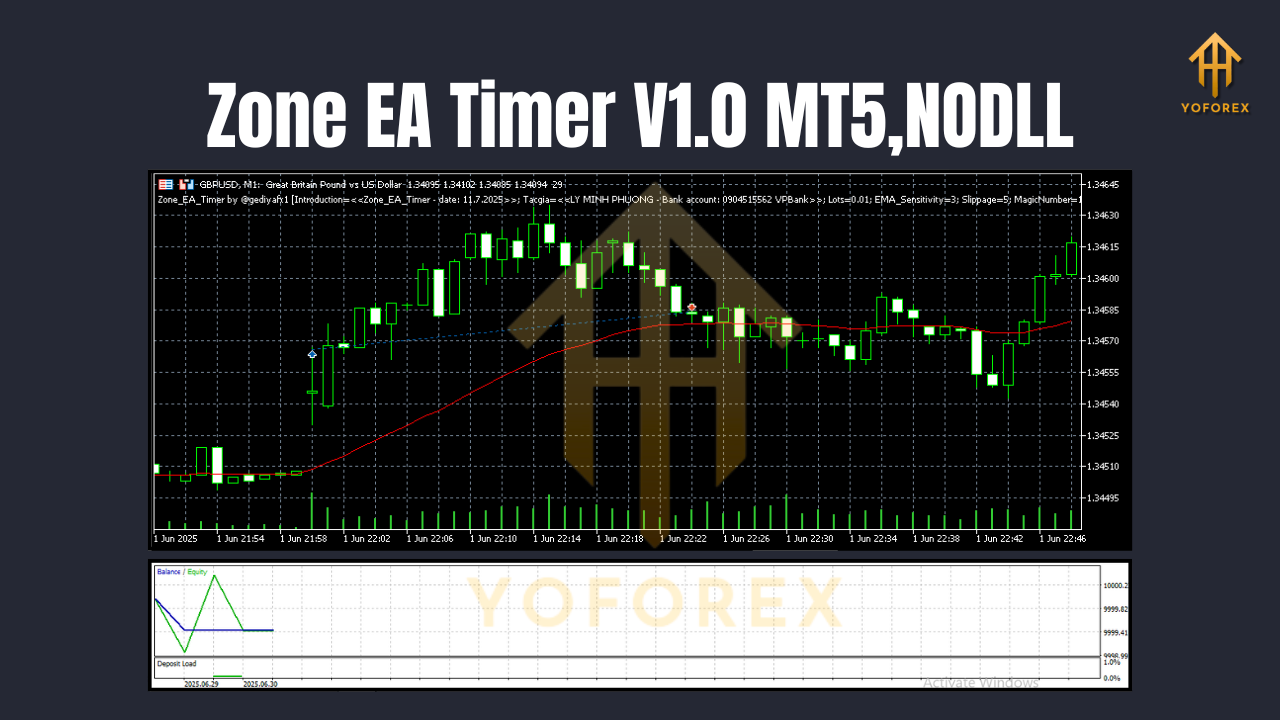
Key Features
• Session Scheduler – Enable or disable trading by hour, day of week, or custom session.
• Price Zone Definition – Set high and low price levels for automated entries and exits.
• Order Types – Market orders, limit orders, and stop orders all supported.
• Flexible Lot Sizing – Static lots or risk-based sizing (% of equity).
• Auto-Trailing Stop – Lock in profits by trailing stop based on pips or ATR.
• News Filter – Optional disablement around major economic releases.
• Multi-Currency Support – Attach to any MT5 chart; works on all pairs.
• Equity Protection – Maximum drawdown and equity-stop settings.
• Visual Zone Alerts – On-chart rectangles highlight active zones.
• Email & Push Notifications – Get alerts or trade confirmations via MT5’s messaging.
Benefits of Time- and Zone-Based Trading
Automating your entries and exits by time and zone brings several advantages:
- Discipline & Consistency
You’ll avoid emotional mistakes—Zone EA Timer only trades when conditions match your predefined schedule. - Focus on High-Probability Setups
Trading during select sessions (like London–New York overlap) improves win rates. - Reduced Screen Time
Let the EA handle trade execution so you can step away or work on strategy tweaks. - Adaptable to Multiple Strategies
Whether you scalp breakouts or swing retracements, the EA’s zone logic can accommodate. - Lower Risk of Overtrading
Time filters prevent random midday entries when volatility is low.
Installation & Setup
- Download & Add to MT5
- Get the
ZoneEA_Timer_V1.0.ex5file from your download folder. - Copy it into your MT5
MQL5/Expertsdirectory.
2. Compile & Restart
- Open MT5, go to the “Navigator” panel → “Expert Advisors,” right-click and hit “Refresh.”
3. Attach to Chart
- Drag “Zone EA Timer V1.0” onto your preferred instrument’s chart.
- Under “Common,” enable “Allow Algo Trading.”
4. Configure Inputs
- SessionStart & SessionEnd: Set your trade hours (e.g.,
07:00,16:00). - ZoneHigh / ZoneLow: Define the price boundaries.
- LotMode: Choose “Fixed” or “RiskPercent.”
- MaxDrawdown: Specify equity threshold to halt trading.
- EnableNewsFilter: Turn on if you want to skip trades during news.
5. Apply & Go Live
- Click “OK” and watch the EA schedule trades within your zones automatically.
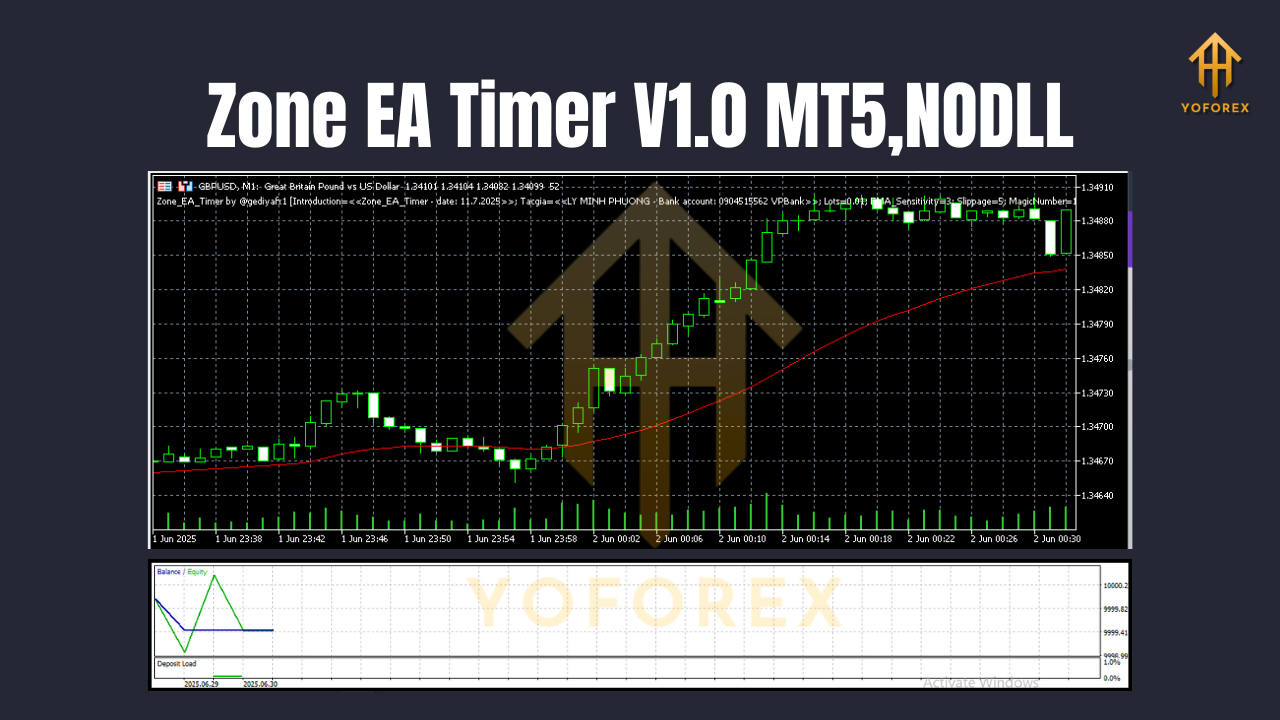
Tips for Optimization
- Backtest Session Combinations
Run multiple backtests comparing different session overlaps—London alone vs. London–New York overlap. - Adjust Zone Width
Experiment with narrow vs. wide zones to find your sweet spot between frequency and quality. - Trail Your Stops
Use ATR-based trailing to adapt to changing market volatility. - Test on a Demo
Always demo-test new configurations for at least two weeks before going live.
Risk Management & Disclaimer
Every automated strategy carries risk. Zone EA Timer V1.0 includes built-in drawdown limits, but it’s up to you to:
- Set sensible lot sizes relative to your account balance.
- Demo-test on historical and live prices.
- Monitor for server latency or slippage during volatile news.
Disclaimer: Past performance doesn’t guarantee future results. Use on a demo account first and trade responsibly.
Conclusion & Call to Action
Ready to schedule trades by session and zone without babysitting your screen? Download Zone EA Timer V1.0 MT5 today and start automating your favorite time-based strategies. Attach it to your MT5 charts, set your zones, define your sessions, and let it handle the rest.
Join our Telegram for the latest updates and support


Comments
No comments yet. Be the first to comment!
Leave a Comment